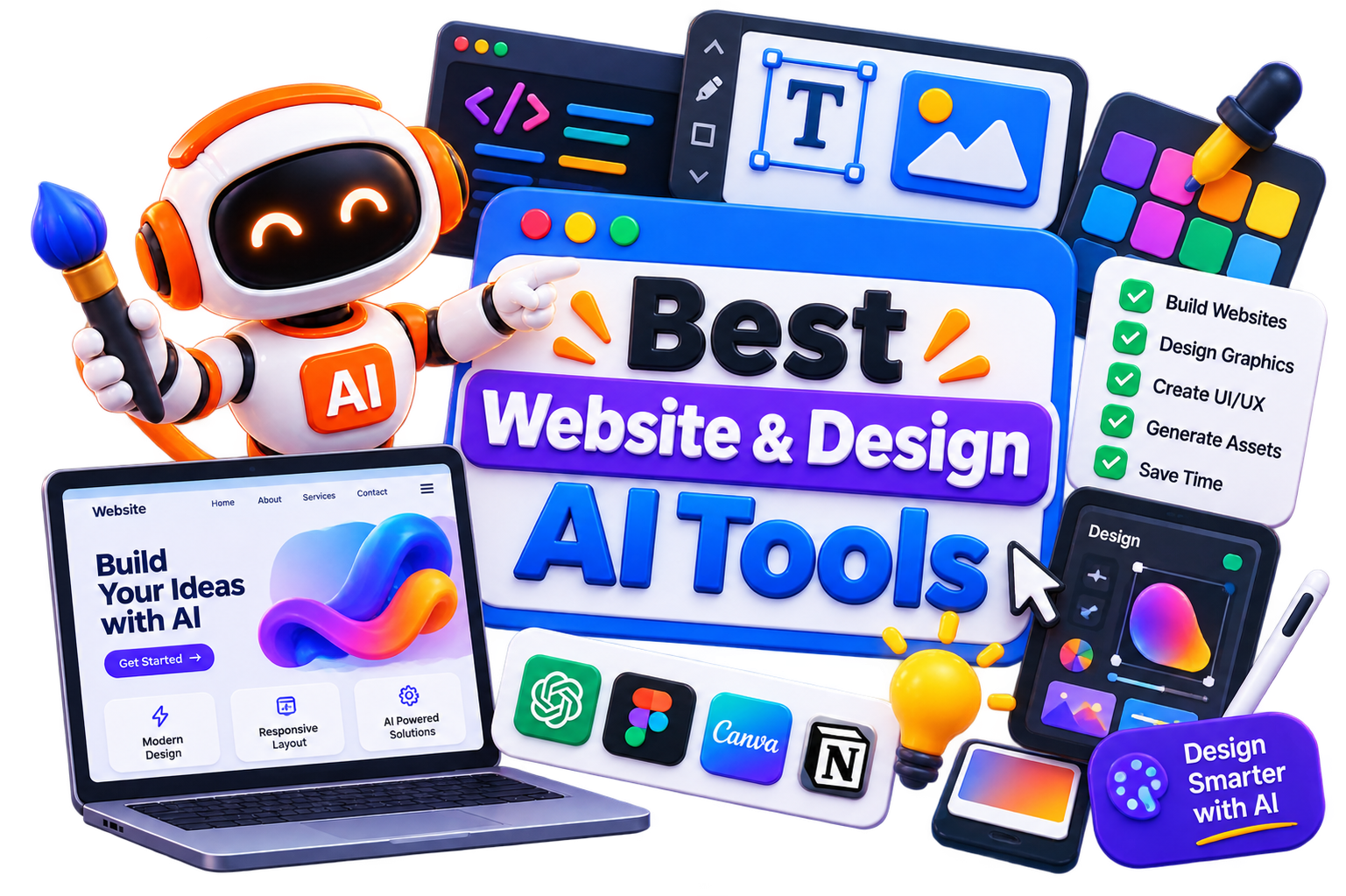







Best Website & Design AI Tools

Explore AI tools for website building, UI/UX design, wireframing, landing pages, prototypes, and graphic design, all in the same place. Compare features, pricing, and use cases to discover the tools that best fit your next project.

  • Options Free & Premium
  • Verified Evaluated by Experts
  • 120+ AI Tools
Best Website & Design AI Tools

Search Websites & Design

# Name Category Pricing Platforms Supported Rating Tool Tutorials
101 Websites & Design Free Web
star star star star
102 Websites & Design Free + Paid Web
star star star star
103 Websites & Design Web
star star star star
104 Websites & Design Free + Paid Web
star star star star
105 Websites & Design Not publicly disclosed Web
star star star star
106 Websites & Design Free + Paid Web
star star star star
107 Websites & Design Free + Paid Web
star star star star
108 Websites & Design Free + Paid Web
star star star star
109 Websites & Design Free + Paid Web
star star star star
110 Websites & Design Not publicly disclosed Web
star star star star
111 Websites & Design Free + Paid Web
star star star star
112 Websites & Design Free + Paid Web
star star star star
113 Websites & Design Free + Paid Web
star star star star
114 Websites & Design Free + Paid Web
star star star star
115 Websites & Design Free + Paid Web
star star star star
116 Websites & Design Free + Paid Web
star star star star
117 Websites & Design Free + Paid Web
star star star star
118 Websites & Design Free + Paid Web
star star star star
119 Websites & Design Free + Paid Web
star star star star
120 Websites & Design Web
star star star star
121 Websites & Design Free + Paid Web
star star star star
122 Assistant Code Web
star star star star
123 Websites & Design Web
star star star star

Explore Website Design Prompts

Get ready-to-use prompt templates for building websites, designing landing pages, and prototyping designs.

Popular Use Cases of AI Website & Design Tools

Build Business Websites

Create professional websites for businesses, portfolios, and personal brands without coding.

Design Landing Pages

Generate high-converting landing pages for products, campaigns, and lead generation.

Create UI & UX Designs

Design user interfaces, wireframes, and prototypes for websites and mobile apps.

Design Marketing Assets

Produce banners, social media graphics, presentations, and other branded visuals.

Build Online Stores

Create eCommerce websites with product pages, checkout flows, and responsive layouts.

Prototype Ideas Quickly

Turn concepts into interactive mockups to validate ideas before development.

Who Should Use AI Website & Design Tools?

Designers

Speed up wireframing, prototyping, and visual design without sacrificing creative control.

Developers

Generate layouts, components, and website structures to reduce development time.

Small Business Owners

Build professional websites and marketing assets without hiring a full design team.

Agencies

Handle multiple client projects more efficiently with AI-assisted design workflows

Entrepreneurs

Launch landing pages, MVPs, and business websites quickly with minimal technical effort.

Marketing Teams

Create campaign pages, promotional creatives, and branded assets for every channel.

What Are AI Website & Design Tools?

AI website and design tools help create websites, user interfaces, landing pages, wireframes, graphics, and other digital assets with less manual effort. Instead of building everything from scratch, you can generate layouts, design concepts, page sections, or complete websites using single prompts or predefined templates. 


This category offers a wide range of tools, and they don’t all solve the same problem. While some specialize in AI website generation, others focus on UI/UX design, prototyping, graphic design, branding, or collaborative design workflows. You’ll also find platforms that combine design, content, and publishing into a single workspace. 


The right choice depends on what you’re building. A startup creating its first landing page has very different requirements from a designer working on a mobile app or an agency managing multiple client websites. 

How Do AI Website & Design Tools Work?

Most AI website and design tools begin with a prompt, template, or a few basic inputs about your project. Based on that information, they generate layouts, color palettes, UI components, page structures, images, or even complete websites. You can then customize the design, refine individual elements, and publish or export your work. 


The workflow varies from one platform to another. Many tools integrate with popular design and development tools, making it easier to move from an initial concept to a finished product without rebuilding everything from scratch. 

Benefits of AI Website & Design Tools

Getting a first draft on screen is often the hardest part of any design project. AI website and design tools remove that hurdle by helping you move from an idea to something tangible in minutes, leaving more time for refinement and creativity. 


  • Build websites and landing pages much faster than starting from scratch. 

  • Generate layouts, wireframes, and design concepts in minutes. 

  • Reduce design costs for small businesses, startups, and freelancers. 

  • Explore multiple ideas before committing to a final design. 

  • Maintain a consistent visual style across websites and marketing assets

  • Spend less time on repetitive design tasks and more time improving the final experience.

Best Free AI Website & Design Tools

Free AI website and design tools are ideal for experimenting with layouts, prototypes, and website creation before investing in a premium platform. 


  • Framer AI

  • Relume AI

  • Uizard

  • AI Website Generator

  • Hostinger AI Hub

Best Paid AI Website & Design Tools

Paid AI website and design tools offer more than faster website creation. They provide greater design flexibility, collaboration features, hosting options, and customization. 


  • Webflow

  • 10Web

  • Duda

  • Squarespace

  • Sketch

How to Choose the Right AI Website & Design Tool?

A tool that works well for launching a landing page may feel limiting during a full website redesign. The opposite is true as well. Feature-rich platforms often add unnecessary complexity when you only need a quick prototype. Before making a decision, compare these factors: 


  • Ease of Use: Choose a platform that matches your technical skills and workflow. 

  • Design Flexibility: Check how much control you have over layouts, styling, and customization. 

  • Export & Ownership: Understand whether you can export your designs or move your website elsewhere. 

  • Collaboration: If you’re working with a team of clients, look for commenting, sharing, and version control features. 

  • Integrations: Make sure the platform connects with your CMS, design software, or development check. 

  • Pricing: Compare project limits, premium features, and long-term costs instead of focusing only on the starting price. 

Common Mistakes to Avoid When Choosing an AI Website & Design Tool

It’s easy to be impressed by a polished demo or a one-click website generator. In practice, the real test is how much control you have once the first draft is ready. Keep these mistakes in mind before committing to a platform: 


  • Choosing a platform based only on AI-generated templates

  • Ignoring customization and design flexibility

  • Overlooking export options and platform lock-in

  • Paying for features you won’t use regularly

  • Skipping the free trial before purchasing a subscription

  • Assuming AI can replace design thinking and user experience best practices

Future of AI Website & Design

AI is changing how websites and digital products are created, but it’s not replacing designers or developers. Instead, it’s taking over repetitive work like generating layouts, writing placeholder content, resizing assets, and creating first drafts. That gives teams more time to focus on strategy, branding, and user experience. 


The next wave of AI website and design tools is likely to offer deeper collaboration, smarter design suggestions, and tighter integration with development workflows. 
Trending AI Blogs

Trending AI Blogs

AI Tools • 17 minutes read

Best AI Voice Cloning Tools in 2026: 10 Tools Worth Trying

I’ve tested enough AI tools to know that a great demo doesn’t always translate into a great workflow. Voice cloning is a perfect example. Some AI voic...

AI Tools • 15 minutes read

10 Best AI Tools for Email Marketing: Tested & Compared

I used to think email marketing was mostly about writing good emails. Then I actually started doing it regularly. The writing was rarely the part that...

AI Tools • 14 minutes read

How to Run ChatGPT Ads in 2026? A Practical Guide to OpenAI Advertising

Most people know ChatGPT as the place they go when they need an answer, an idea, or a quick explanation. However, many still don’t know that ChatGPT A...

AI Tools • 17 minutes read

Best AI Tools for Freelancers in 2026: 15 Tools I’d Actually Use

I’ve spent enough time freelancing to know that the actual client work is rarely the only thing that keeps you busy. Finding clients, writing proposal...

FAQ (Frequently Asked Questions)

Ans. Many AI website builders can generate a complete website, including layouts, text, and images. However, you’ll usually get the best results by reviewing the design, refining the content, and making adjustments before publishing.

Ans. Yes. Many businesses use AI website builders to create landing pages, portfolios, eCommerce stores, and company websites. The key is choosing a platform that offers enough customization, scalability, and SEO features for your requirements.

Ans. Absolutely. AI generates the initial version, but most platforms let you customize layouts, colors, typography, images, and content just like a traditional website builder.

Ans. Not necessarily. Most AI website and design tools are built for non-technical users and include visual editors, drag-and-drop interfaces, and ready-made components. Developers can still extend or customize projects when needed.

Ans. An AI Website builder helps you create and publish complete websites, while an AI design tool focuses on creating layouts, wireframes, mockups, or visual assets. Some platforms combine both, but most are stronger in one area than the other.


