












What Are AI Website & Design Tools?
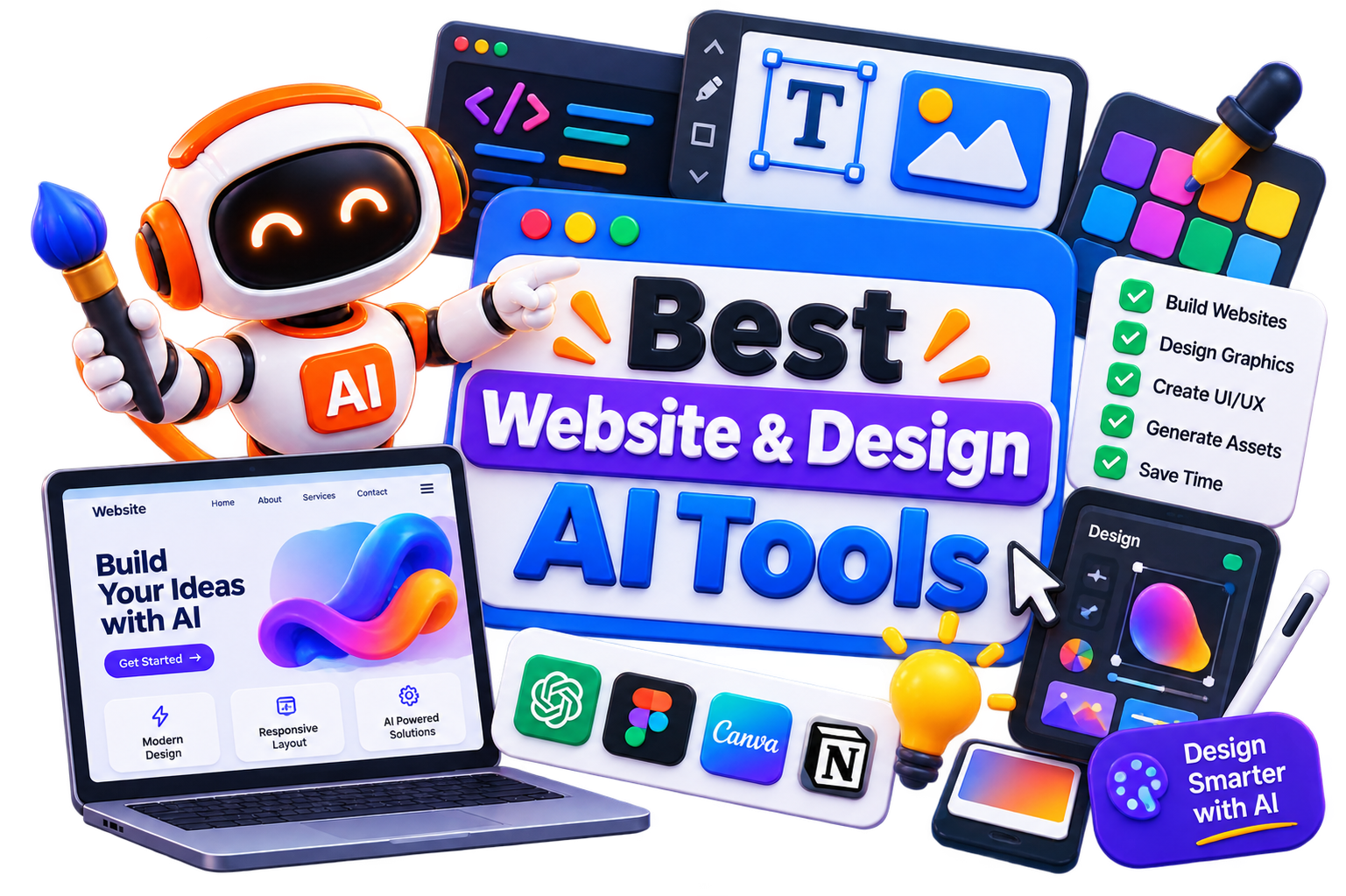
AI website and design tools help create websites, user interfaces, landing pages, wireframes, graphics, and other digital assets with less manual effort. Instead of building everything from scratch, you can generate layouts, design concepts, page sections, or complete websites using single prompts or predefined templates.
This category offers a wide range of AI tools, and they don’t all solve the same problem. While some specialize in AI website generation, others focus on UI/UX design, prototyping, graphic design, branding, or collaborative design workflows. You’ll also find platforms that combine design, content, and publishing into a single workspace.
The right choice depends on what you’re building. A startup creating its first landing page has very different requirements from a designer working on a mobile app or an agency managing multiple client websites.
How Do AI Website & Design Tools Work?
Most AI website and design tools begin with a prompt, template, or a few basic inputs about your project. Based on that information, they generate layouts, color palettes, UI components, page structures, images, or even complete websites. You can then customize the design, refine individual elements, and publish or export your work.
The workflow varies from one platform to another. Many tools integrate with popular design and development tools, making it easier to move from an initial concept to a finished product without rebuilding everything from scratch.
Benefits of AI Website & Design Tools
Getting a first draft on screen is often the hardest part of any design project. AI website and design tools remove that hurdle by helping you move from an idea to something tangible in minutes, leaving more time for refinement and creativity.
Build websites and landing pages much faster than starting from scratch.
Generate layouts, wireframes, and design concepts in minutes.
Reduce design costs for small businesses, startups, and freelancers.
Explore multiple ideas before committing to a final design.
Maintain a consistent visual style across websites and marketing assets
Spend less time on repetitive design tasks and more time improving the final experience.
Best Free AI Website & Design Tools
Free AI website and design tools are ideal for experimenting with layouts, prototypes, and website creation before investing in a premium platform.
Best Paid AI Website & Design Tools
Paid AI website and design tools offer more than faster website creation. They provide greater design flexibility, collaboration features, hosting options, and customization.
Webflow
Duda
Squarespace
Sketch
How to Choose the Right AI Website & Design Tool?
A tool that works well for launching a landing page may feel limiting during a full website redesign. The opposite is true as well. Feature-rich platforms often add unnecessary complexity when you only need a quick prototype. Before making a decision, compare these factors:
Ease of Use: Choose a platform that matches your technical skills and workflow.
Design Flexibility: Check how much control you have over layouts, styling, and customization.
Export & Ownership: Understand whether you can export your designs or move your website elsewhere.
Collaboration: If you’re working with a team of clients, look for commenting, sharing, and version control features.
Integrations: Make sure the platform connects with your CMS, design software, or development stack.
Pricing: Compare project limits, premium features, and long-term costs instead of focusing only on the starting price.
Common Mistakes to Avoid When Choosing an AI Website & Design Tool
It’s easy to be impressed by a polished demo or a one-click website generator. In practice, the real test is how much control you have once the first draft is ready. Keep these mistakes in mind before committing to a platform:
Choosing a platform based only on AI-generated templates
Ignoring customization and design flexibility
Overlooking export options and platform lock-in
Paying for features you won’t use regularly
Skipping the free trial before purchasing a subscription
Assuming AI can replace design thinking and user experience best practices
Future of AI Website & Design
AI is changing how websites and digital products are created, but it’s not replacing designers or developers. Instead, it’s taking over repetitive work like generating layouts, writing placeholder content, resizing assets, and creating first drafts. That gives teams more time to focus on strategy, branding, and user experience.
The next wave of AI website and design tools is likely to offer deeper collaboration, smarter design suggestions, and tighter integration with development workflows.