















What Are GitHub AI Projects?
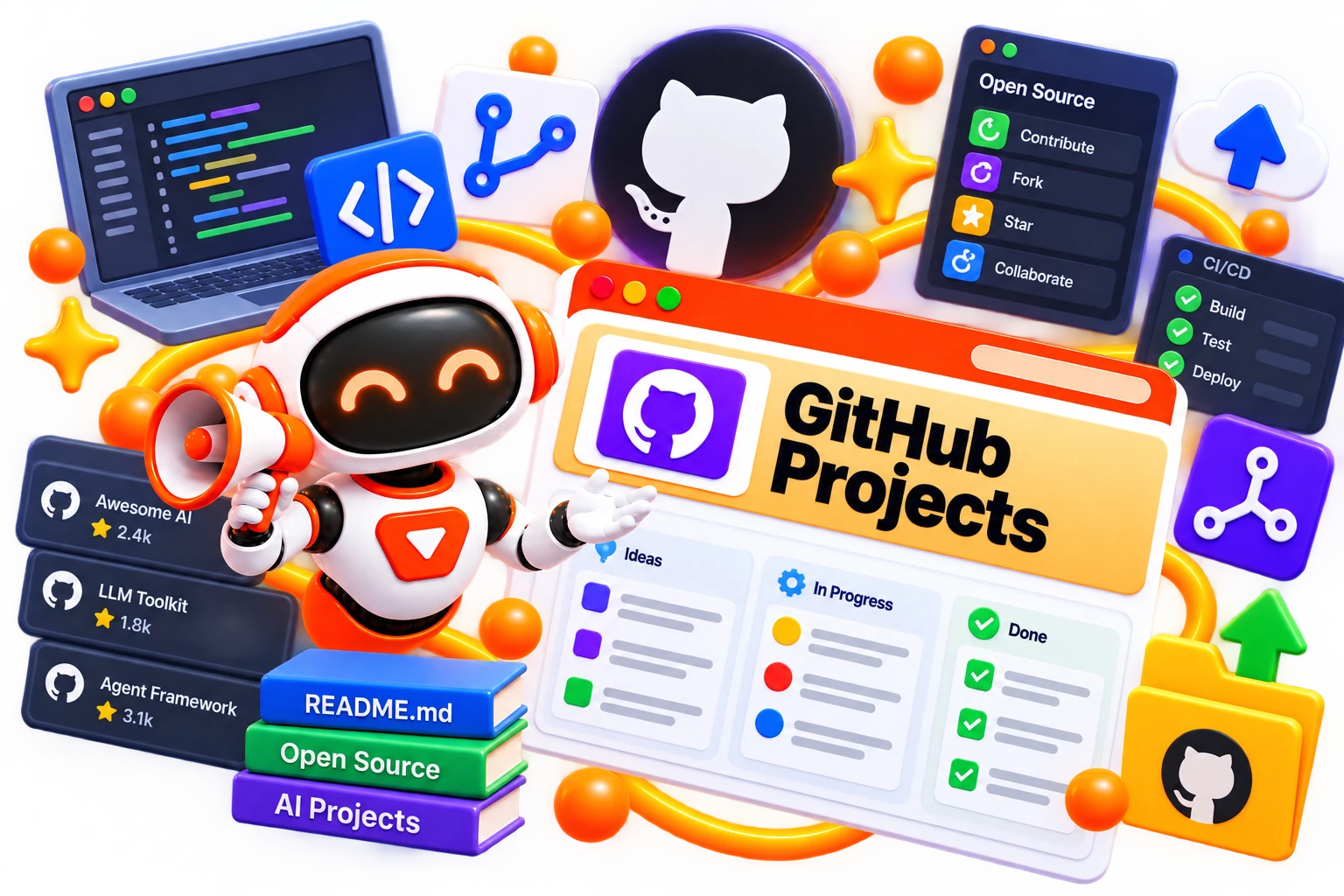
GitHub AI projects are repositories that use, support, or explore artificial intelligence in some way. They can range from small experiments and educational projects to sophisticated applications, developer utilities, libraries, and AI-powered products.
The value isn't only in downloading a project. You can inspect its code, understand how it works, test it locally, contribute changes, or use it as inspiration for something of your own. That's what makes AI tools GitHub searches particularly useful for developers who want to see technology beyond polished product demos.
How Do GitHub AI Tools & Projects Work?
There's no single workflow because every repository is different. Some projects provide complete applications, while others offer a library, API integration, model implementation, or development utility.
So, when exploring a project with these tools, you may be able to
Read its README to understand what it does.
Review the source code and project structure.
Check installation and setup requirements.
Examine examples or demonstrations.
Run the project locally when supported.
Modify the code for your own experiment.
Review issues, documentation, and contribution guidelines.
Compare the project's licence with your intended use.
An AI assistant GitHub repository, for example, may provide code for an AI-powered assistant, while another project may focus entirely on a model, framework, or developer utility.
Benefits of Exploring GitHub AI Projects
The biggest advantage is access to real implementations, not just descriptions of what AI can do. And with these tools, you can do a lot many things, like you can-
Learn from working examples.
Explore open-source AI development.
Find starting points for personal projects.
Understand how different technologies connect.
Reuse suitable components where licensing allows.
Experiment without building every feature yourself.
Discover emerging tools and development approaches.
Improve your technical understanding through hands-on exploration.
Best Free GitHub AI Tools & Projects
A large part of GitHub can be explored without paying for access to the repositories themselves. And that makes it useful when you're learning or experimenting and want to see how different projects are built.
Depending on what you're looking for, you can explore options like
But availability, setup requirements, hardware needs, and licences differ between projects, so check the repository documentation before using one in your own work.
Best Paid GitHub AI Tools & Projects
GitHub itself hosts many open-source projects, but you may also come across repositories connected to paid APIs, commercial developer platforms, hosted services, or products that require subscriptions. So, in this case, here are some of the best paid GitHub AI tools that you can explore-
But before integrating any commercial service, check its current pricing, API limits, usage policies, and licensing conditions.
How to Choose the Right GitHub AI Project?
A repository may look impressive on the surface, but what matters is whether it actually works for your project, experience level, and technical setup. So, before choosing one, consider:
Define What You Need
Know whether you're looking for a complete application, a coding utility, an AI model, a library, or simply a project to learn from.
Check Project Activity
Look at recent commits, releases, open issues, and contributor activity to see whether the repository is still being maintained.
Read Before You Clone
Go through the README, documentation, setup instructions, examples, and known limitations before investing time in the project.
Match Your Tech Stack
Check the programming language, frameworks, APIs, models, hardware requirements, and other dependencies against your existing environment.
Understand the Licence
Review the repository's licence and make sure its terms fit how you intend to use, modify, or distribute the project.
Try a Small Test
Run a basic example or inspect a core feature first. A quick test can tell you much more than a repository's description or star count.
Common Mistakes to Avoid When Choosing GitHub AI Projects
A repository can look promising at first glance but still create problems once you start working with it. That’s why always watch for:
Choosing projects based only on star counts.
Ignoring whether the repository is actively maintained.
Skipping the README and installation requirements.
Overlooking outdated dependencies or broken examples.
Using code without understanding its licence.
Building a critical application around an abandoned project.
Assuming every repository is production-ready.
Ignoring security risks in third-party code and dependencies.
The Future of GitHub AI Projects
AI development is moving quickly, and GitHub will continue to be an important place where developers share experiments, tools, libraries, models, and complete applications. As AI becomes easier to integrate into software, you'll likely see more projects combining coding assistants, autonomous workflows, local models, multimodal systems, data tools, and specialised AI agents. For developers, that means GitHub can become less about simply finding code and more about discovering building blocks for the next idea. But the most useful project may not always be the newest or most popular one. It may simply be the repository that gives you the right starting point.