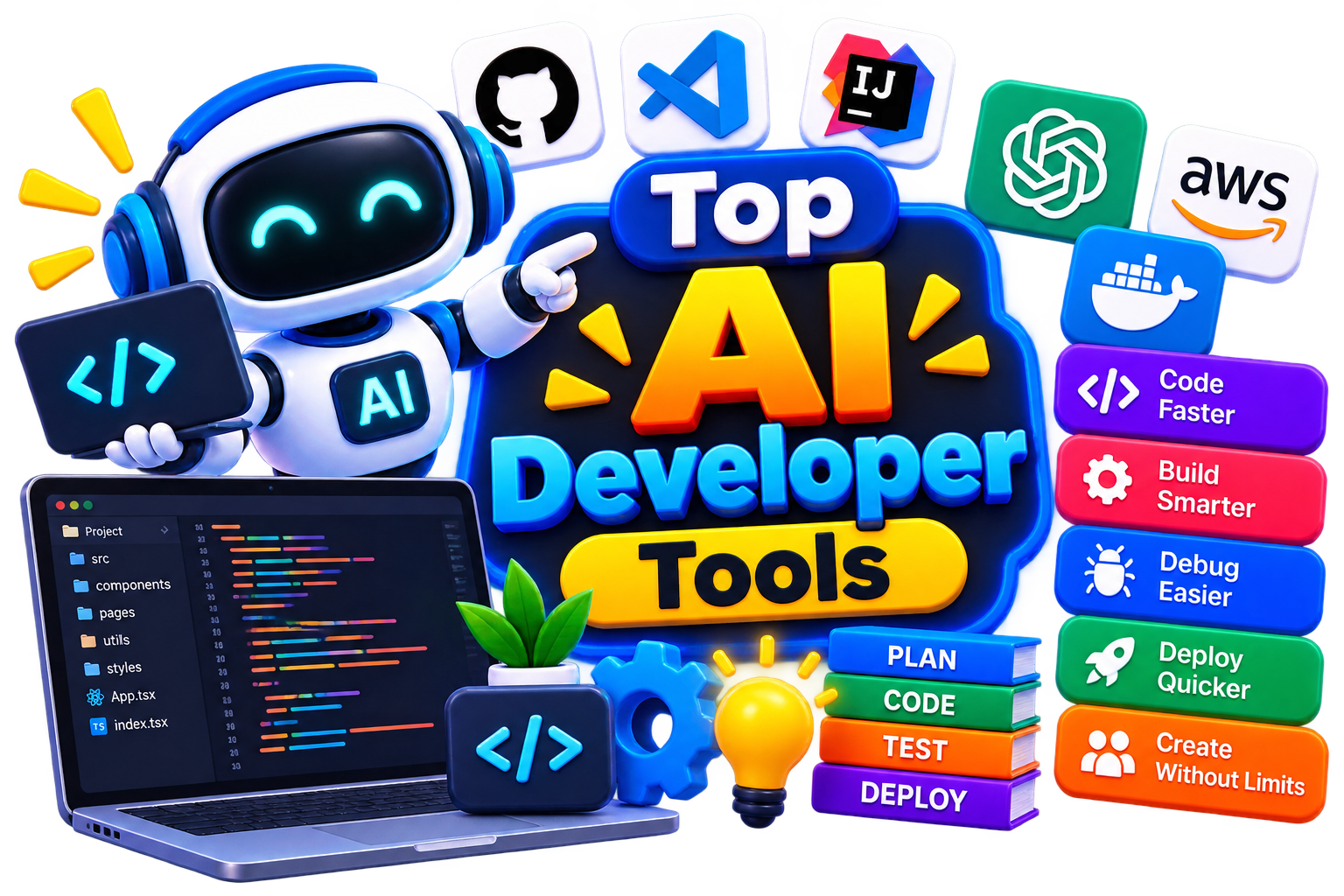






Build Better Software with AI Developer Tools

Writing code is only one part of building software. You also need to understand existing code, find bugs, review changes, write tests, and keep projects moving. And that’s where AI for software development comes into the picture. It can assist across these stages, helping you reduce repetitive work and move from idea to working code with less friction.

  • 130 + AI Tools
  • Options Free & Premium
  • Evaluated by Experts
Build Better Software with AI Developer Tools

Search Developer Tools

# Name Category Pricing Platforms Supported Rating Tool Tutorials
76 Developer Tools Free + Paid Web
star star star star
77 Assistant Code Not publicly disclosed Web
star star star star
78 Developer Tools Not publicly disclosed Web
star star star star
79 Developer Tools Not publicly disclosed Web
star star star star
80 Developer Tools Not publicly disclosed Web
star star star star
81 Assistant Code Not publicly disclosed Web
star star star star
82 Assistant Code Free + Paid Web
star star star star
83 Assistant Code Free + Paid Web
star star star star
84 Developer Tools Free + Paid Web
star star star star
85 Developer Tools Free + Paid Web
star star star star
86 Developer Tools Free + Paid Web
star star star star
87 Assistant Code Not publicly disclosed Web
star star star star
88 Assistant Code Not publicly disclosed Web
star star star star
89 Developer Tools Free + Paid Web
star star star star
90 Developer Tools Not publicly disclosed Web
star star star star
91 Assistant Code Not publicly disclosed Web
star star star star
92 Developer Tools Not publicly disclosed Web
star star star star
93 Developer Tools Not publicly disclosed Web
star star star star
94 Developer Tools Not publicly disclosed Web
star star star star
95 Developer Tools Not publicly disclosed Web
star star star star
96 Developer Tools Not publicly disclosed Web
star star star star
97 Developer Tools Free + Paid Web
star star star star
98 Assistant Code Free Web
star star star star
99 Developer Tools Pay-per-ad spend Web
star star star star
100 Developer Tools Not publicly disclosed Web
star star star

Explore Developer Prompts

Use practical AI prompts for generating code, debugging errors, explaining unfamiliar functions, writing tests, reviewing pull requests, documenting projects, and improving development workflows

Popular Use Cases of Developer Tools

Generate and Complete Code

Describe what you need or continue an existing function with AI programming tools that can suggest code, complete statements, and help you work through implementation ideas.

Debug Errors Faster

Instead of staring at an error message for an hour, use AI to explain what went wrong, identify possible causes, and suggest approaches for fixing the problem.

Review Code

AI code review tools can examine code changes and flag potential bugs, security concerns, maintainability issues, or areas that deserve another look.

Understand Existing Projects

Working with an unfamiliar codebase? AI can explain functions, summarize files, trace logic, and help you understand how different components fit together.

Write Tests

You can use AI to create test cases, suggest edge cases, and generate initial unit-test structures that you can then review and adapt to your project.

Improve Documentation

From API explanations to README files and inline comments, AI can turn technical information into clearer documentation without making you write every section manually.

Who Should Use Developer Tools?

Software Developers

Use AI development tools to speed up coding, debugging, testing, documentation, and everyday development tasks.

Development Teams

Teams can use AI developer tools to reduce repetitive work while keeping human review and engineering decisions at the center of the workflow.

Startups

Small teams can use AI to accelerate development without adding a separate specialist for every repetitive coding task.

Students & Learners

AI can explain programming concepts, walk through errors, and help you understand unfamiliar code while you continue learning the fundamentals yourself.

Freelancers

When you're handling several projects at once, AI can help with boilerplate code, documentation, testing, and repetitive development work.

Technical Teams

Larger engineering organizations can explore AI development platforms that integrate AI assistance into existing development environments and workflows.

What Are AI Developer Tools?

AI developer tools are designed to help you build, understand, and maintain software with assistance from artificial intelligence. They can support everything from generating a function or explaining an error to creating tests, reviewing changes, and preparing technical documentation.

Today's AI tools for software development can often work with more than a single prompt. Depending on the product, they may use your current code, files, repository, or development environment to provide context-aware suggestions. And their real value comes from reducing repetitive effort while keeping developers in control. But AI-generated code should always be reviewed and tested before you rely on it in a real project.

How Do AI Development Tools Work?

Most AI coding assistants begin with context. That could be the code you're currently editing, an error message, a natural-language instruction, selected files, or information from your project.

Then, the AI processes that context and generates a response based on your request. Depending on the platform, AI-powered software development can include:

  • Generating or completing code.

  • Explaining unfamiliar code.

  • Suggesting fixes for errors.

  • Creating test cases.

  • Reviewing code changes.

  • Generating documentation.

  • Refactoring repetitive code.

  • Searching and understanding project files.

  • Assisting with terminal and development tasks.

Still, the quality of the result depends heavily on the context provided, the underlying model, and your ability to review what the AI produces.

Benefits of AI Developer Tools

The value isn't simply that AI can produce code. It's that you can spend less time on repetitive development work and more time solving the problems that actually require engineering judgment. Like, you can

  • Speed up repetitive coding tasks.

  • Explore implementation approaches more quickly.

  • Understand unfamiliar codebases with less effort.

  • Find potential bugs earlier.

  • Generate initial tests and documentation.

  • Reduce time spent searching for simple solutions.

  • Improve consistency across routine development tasks.

  • Give developers more time for architecture and problem-solving.

Best Free AI Developer Tools

If you're still figuring out which AI development tool works for you, free options are a good way to experiment first. Test the features you actually need, check the usage limits, and make sure the current plan suits your intended workflow. 

Some tools you can explore are:

  • Cursor AI

  • Windsurf Editor

  • Tabnine AI

  • CodeGeeX AI

  • Google AI Studio

Best Paid AI Developer Tools

Meanwhile, if you have enough funds, you can even try paid Developer tools too. Some options worth exploring include: 

  • GitHub Copilot

  • Devin

  • Lovable

  • Bolt.new

  • Coderabbit

How to Choose the Right AI Developer Tool?

The right starting point isn't “Which tool has the most features?” It's “What do I need AI to help me with?” That’s why, while choosing the right AI developer tool, go with the following procedure- 

  • Coding Support: Look for strong code completion and generation if writing code faster is your main priority.

  • Project Context: Check how well the tool understands multiple files, repositories, dependencies, and existing project structure.

  • Code Review: If review is important, compare dedicated AI code review tools for issue detection, suggestions, and pull-request workflows.

  • IDE Compatibility: Make sure the tool works with the editor or IDE your team already uses.

  • Languages & Frameworks: Check support for the programming languages and frameworks used in your projects.

  • Privacy & Security: Review how your source code and project information are processed and stored.

  • Pricing: Compare free usage, paid limits, team plans, and enterprise options before committing.

However, for teams specifically searching for the best AI tools for developers, workflow compatibility is often more important than simply choosing the tool with the longest feature list.

Common Mistakes to Avoid When Choosing AI Developer Tools

AI can make development easier, but it shouldn't remove your responsibility to understand and verify the code. So, make sure to avoid these mistakes while choosing the right one:

  • Accepting generated code without reviewing it.

  • Choosing a tool solely because it's popular.

  • Ignoring source-code privacy and security policies.

  • Overlooking IDE and repository compatibility.

  • Assuming AI-generated code is automatically production-ready.

  • Paying for features your workflow doesn't require.

  • Using AI instead of learning the underlying programming concepts.

  • Failing to test generated code thoroughly.

The Future of E-commerce AI Tools

Software development is moving toward a workflow where developers can describe goals at a higher level while AI handles more of the repetitive implementation work. Future best AI programming tools are likely to become better at understanding entire repositories, tracking changes across files, detecting problems earlier, generating tests, and assisting with more complex development tasks.

But that doesn't mean developers become less important. If anything happens, strong engineering judgment will still hold its value. It’s like, as AI takes on more routine work, you'll need to make better decisions about architecture, security, performance, reliability, and what should actually be built.

Trending AI Blogs

Trending AI Blogs

AI Tools • 17 minutes read

Best AI Voice Cloning Tools in 2026: 10 Tools Worth Trying

I’ve tested enough AI tools to know that a great demo doesn’t always translate into a great workflow. Voice cloning is a perfect example. Some AI voic...

AI Tools • 15 minutes read

10 Best AI Tools for Email Marketing: Tested & Compared

I used to think email marketing was mostly about writing good emails. Then I actually started doing it regularly. The writing was rarely the part that...

AI Tools • 14 minutes read

How to Run ChatGPT Ads in 2026? A Practical Guide to OpenAI Advertising

Most people know ChatGPT as the place they go when they need an answer, an idea, or a quick explanation. However, many still don’t know that ChatGPT A...

AI Tools • 17 minutes read

Best AI Tools for Freelancers in 2026: 15 Tools I’d Actually Use

I’ve spent enough time freelancing to know that the actual client work is rarely the only thing that keeps you busy. Finding clients, writing proposal...

FAQ (Frequently Asked Questions)

Ans. AI tools for software development use artificial intelligence to assist with coding, debugging, testing, documentation, code review, and other development tasks.

Ans. The best AI developer tools depend on your workflow. GitHub Copilot, Cursor, Windsurf, Gemini Code Assist, Amazon Q Developer, and JetBrains AI Assistant are among the options developers can explore.

Ans. Yes. AI coding tools can generate functions, classes, scripts, tests, and other code from natural-language instructions. Developers should review, test, and adapt generated code before using it.

Ans. Ans. AI code review tools analyze code or code changes to identify potential bugs, maintainability issues, security concerns, and other problems that developers may want to investigate.

Ans. Yes. Beginners can use the best AI programming tools to explain errors, clarify programming concepts, and explore examples, but they should still learn the underlying concepts rather than relying entirely on generated code.

Ans. AI for software development can reduce repetitive work across coding, debugging, testing, documentation, and review, allowing developers to spend more time on architecture, problem-solving, and product decisions.

