














What Are AI Developer Tools?
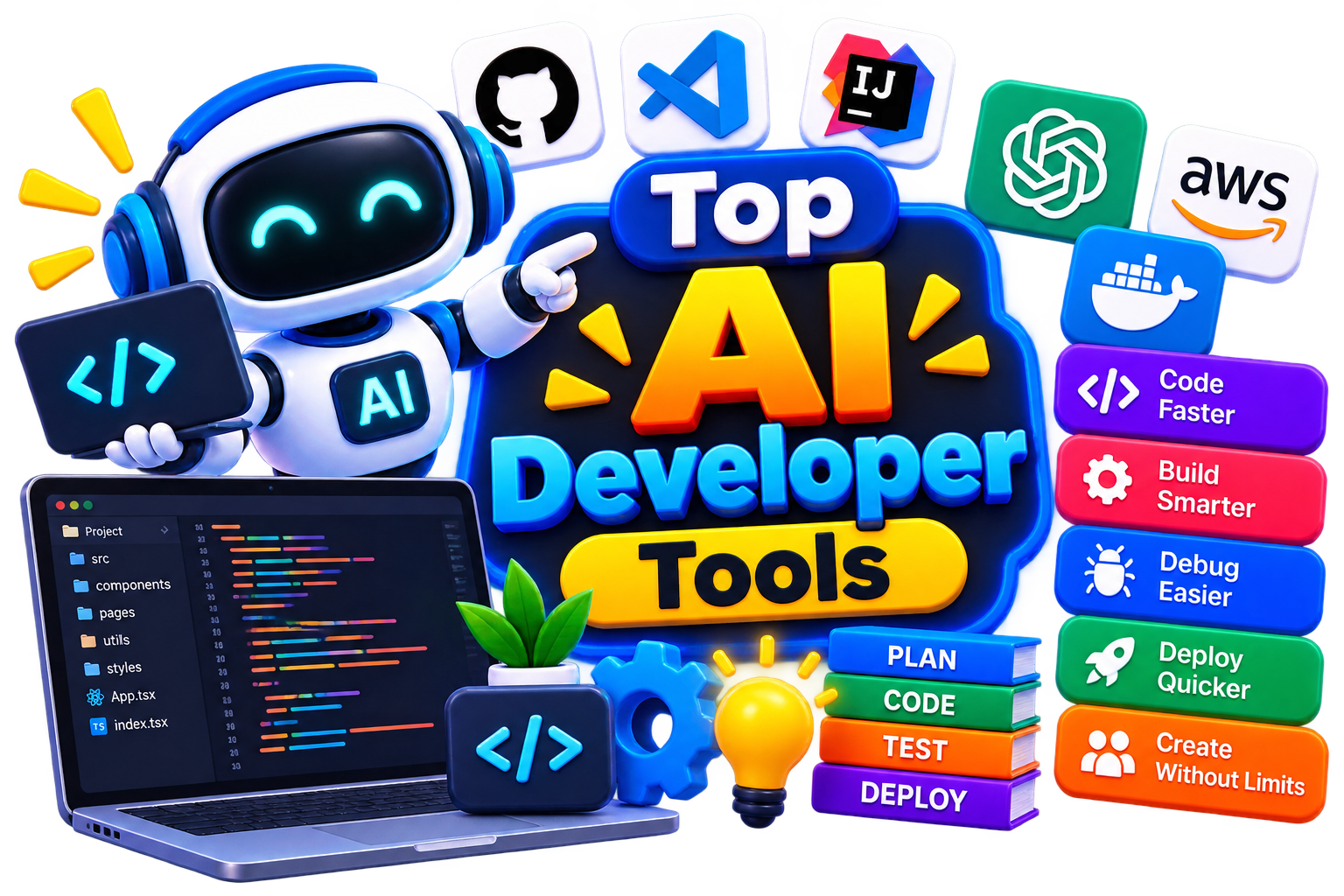
AI developer tools are designed to help you build, understand, and maintain software with assistance from artificial intelligence. They can support everything from generating a function or explaining an error to creating tests, reviewing changes, and preparing technical documentation.
Today's AI tools for software development can often work with more than a single prompt. Depending on the product, they may use your current code, files, repository, or development environment to provide context-aware suggestions. And their real value comes from reducing repetitive effort while keeping developers in control. But AI-generated code should always be reviewed and tested before you rely on it in a real project.
How Do AI Development Tools Work?
Most AI coding assistants begin with context. That could be the code you're currently editing, an error message, a natural-language instruction, selected files, or information from your project.
Then, the AI processes that context and generates a response based on your request. Depending on the platform, AI-powered software development can include:
Generating or completing code.
Explaining unfamiliar code.
Suggesting fixes for errors.
Creating test cases.
Reviewing code changes.
Generating documentation.
Refactoring repetitive code.
Searching and understanding project files.
Assisting with terminal and development tasks.
Still, the quality of the result depends heavily on the context provided, the underlying model, and your ability to review what the AI produces.
Benefits of AI Developer Tools
The value isn't simply that AI can produce code. It's that you can spend less time on repetitive development work and more time solving the problems that actually require engineering judgment. Like, you can
Speed up repetitive coding tasks.
Explore implementation approaches more quickly.
Understand unfamiliar codebases with less effort.
Find potential bugs earlier.
Generate initial tests and documentation.
Reduce time spent searching for simple solutions.
Improve consistency across routine development tasks.
Give developers more time for architecture and problem-solving.
Best Free AI Developer Tools
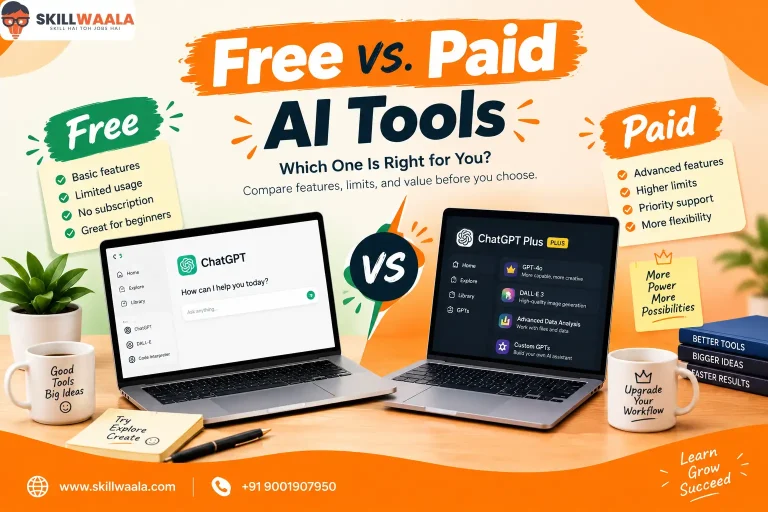
If you're still figuring out which AI development tool works for you, free options are a good way to experiment first. Test the features you actually need, check the usage limits, and make sure the current plan suits your intended workflow.
Some tools you can explore are:
Best Paid AI Developer Tools
Meanwhile, if you have enough funds, you can even try paid Developer tools too. Some options worth exploring include:
How to Choose the Right AI Developer Tool?
The right starting point isn't “Which tool has the most features?” It's “What do I need AI to help me with?” That’s why, while choosing the right AI developer tool, go with the following procedure-
Coding Support: Look for strong code completion and generation if writing code faster is your main priority.
Project Context: Check how well the tool understands multiple files, repositories, dependencies, and existing project structure.
Code Review: If review is important, compare dedicated AI code review tools for issue detection, suggestions, and pull-request workflows.
IDE Compatibility: Make sure the tool works with the editor or IDE your team already uses.
Languages & Frameworks: Check support for the programming languages and frameworks used in your projects.
Privacy & Security: Review how your source code and project information are processed and stored.
Pricing: Compare free usage, paid limits, team plans, and enterprise options before committing.
However, for teams specifically searching for the best AI tools for developers, workflow compatibility is often more important than simply choosing the tool with the longest feature list.
Common Mistakes to Avoid When Choosing AI Developer Tools
AI can make development easier, but it shouldn't remove your responsibility to understand and verify the code. So, make sure to avoid these mistakes while choosing the right one:
Accepting generated code without reviewing it.
Choosing a tool solely because it's popular.
Ignoring source-code privacy and security policies.
Overlooking IDE and repository compatibility.
Assuming AI-generated code is automatically production-ready.
Paying for features your workflow doesn't require.
Using AI instead of learning the underlying programming concepts.
Failing to test generated code thoroughly.
The Future of E-commerce AI Tools
Software development is moving toward a workflow where developers can describe goals at a higher level while AI handles more of the repetitive implementation work. Future best AI programming tools are likely to become better at understanding entire repositories, tracking changes across files, detecting problems earlier, generating tests, and assisting with more complex development tasks.
But that doesn't mean developers become less important. If anything happens, strong engineering judgment will still hold its value. It’s like, as AI takes on more routine work, you'll need to make better decisions about architecture, security, performance, reliability, and what should actually be built.