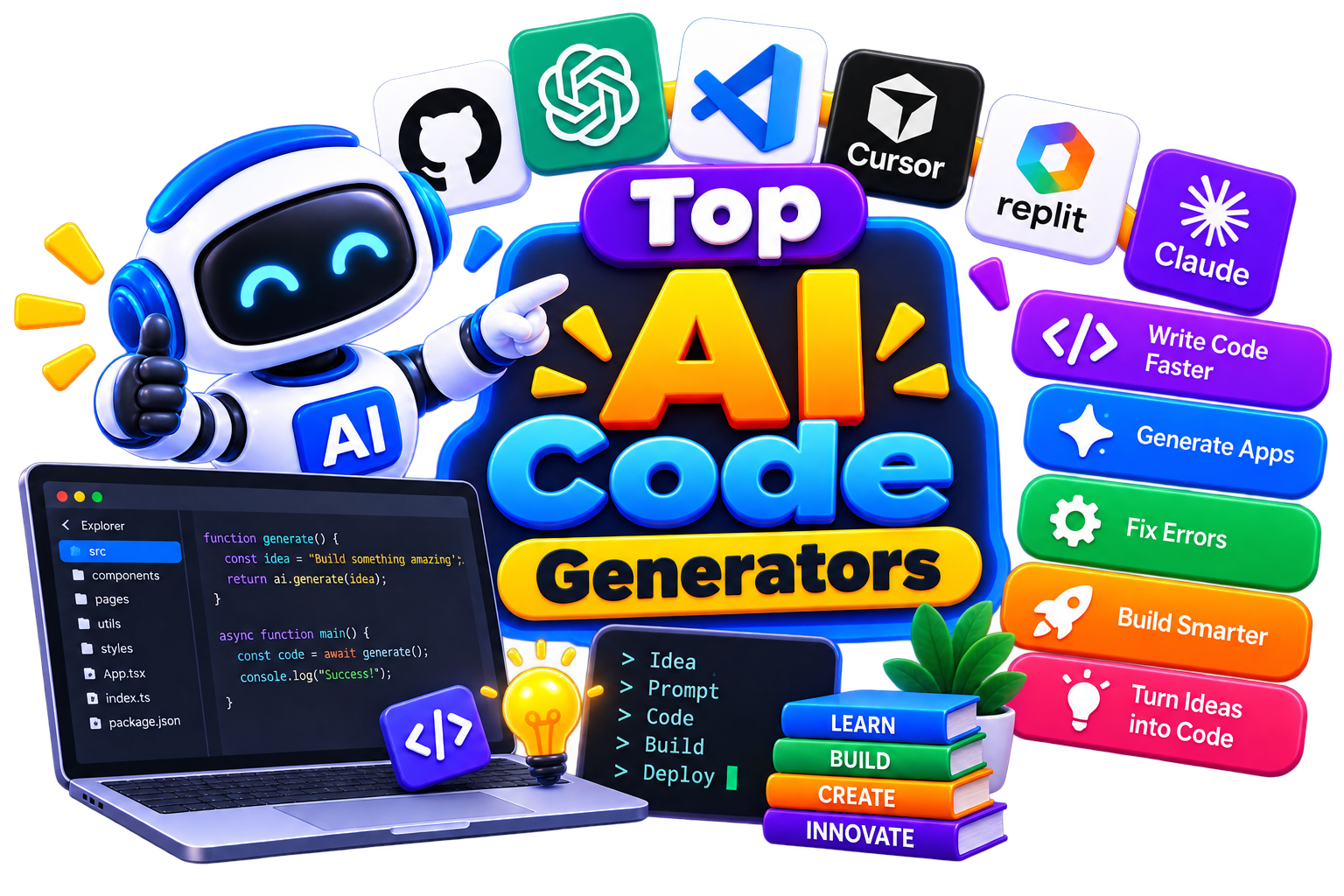







Top AI Code Generators – Best Free & Paid AI Coding Assistants

Software development involves more than writing code. You spend time understanding requirements, solving errors, reviewing logic, testing ideas, and maintaining what you've already built. AI coding tools can support many of these steps, helping you generate code, explore solutions, and understand complex programming tasks. But the result isn't about replacing the developer. It's about giving you a smarter development companion.

  • Options Free & Premium
  • Verified Evaluated by Experts
  • 70+ AI Tools
Top AI Code Generators – Best Free & Paid AI Coding Assistants

Search Assistant Code

# Name Category Pricing Platforms Supported Rating Tool Tutorials
51 Assistant Code Not publicly disclosed Web
star star star star
52 Assistant Code Open model availability Web
star star star star
53 Assistant Code Not publicly disclosed Web
star star star star
54 Assistant Code Not publicly disclosed Web
star star star star
55 Assistant Code Free + Paid Web
star star star star
56 Assistant Code Free + Paid Web
star star star star
57 Assistant Code Free + Paid Web
star star star star
58 Assistant Code Free + Paid Web
star star star star
59 Assistant Code Web
star star star star
60 Assistant Code Free + Paid Web
star star star star
61 Assistant Code Free + Paid Web
star star star star
62 Assistant Code Free + Paid Web
star star star star
63 Assistant Code Not publicly disclosed Web
star star star star
64 Assistant Code Not publicly disclosed Web
star star star star
65 Assistant Code Web
star star star star
66 Assistant Code Not publicly disclosed Web
star star star star
67 Assistant Code Free + Paid Web
star star star star
68 Assistant Code Not publicly disclosed Web
star star star star
69 Assistant Code Free + Paid Web
star star star star
70 Assistant Code Web
star star star star

Explore AI Coding Prompts

From a simple function to a tricky bug, the right prompt can make coding with AI much easier. Explore prompts for code generation, debugging, refactoring, explanations, testing, and development tasks.

Popular Use Cases of AI Assistant Code Tools

Generate Code From Prompts

Describe what you want to build and use an AI-powered code generator to create functions, snippets, or initial implementations.

Code Completion

Get contextual suggestions while writing code instead of manually typing every repetitive line.

Debugging & Error Detection

Use AI assistance to understand errors, identify possible issues, and explore potential fixes.

Explain Existing Code

Paste unfamiliar code and ask the tool to explain its logic in simpler language.

Refactoring

Get suggestions for making existing code cleaner, more readable, or easier to maintain.

Prototyping

Turn an idea into an initial working structure quickly using AI code generation tools.

Who Should Use AI Assistant Code Tools?

Software Developers

Speed up everyday development tasks while keeping control over architecture and final implementation.

Students & Beginners

Use AI tools for coding to understand programming concepts, syntax, and code examples as you learn.

Freelancers

Reduce time spent on repetitive development work and handle projects more efficiently.

Startups

Prototype ideas faster without manually building every basic component from scratch.

Engineering Teams

Use coding assistants to support development, code review, documentation, and debugging workflows.

Technical Educators

Create examples and explain programming concepts with the help of AI-assisted development tools.

What Are AI Assistant Code Tools? 

AI assistant code tools are software platforms that use artificial intelligence to help developers write, review, debug, and optimize code. They range from AI code generators that create code from natural language prompts to AI coding assistants that understand your entire codebase, plan multi-file changes, and execute tasks autonomously.

And with them, you don't have to figure out every coding problem alone. AI tools for coding give you a place to ask questions, generate code, understand unfamiliar logic, and explore possible solutions. Some work inside your coding environment, while others let you interact through a chat interface. Because the goal is simple- reduce repetitive work and help you move through development with fewer roadblocks.

How Do AI Assistant Code Tools Work? 

You give the AI a coding problem, and it tries to help you solve it. That could mean writing a function, explaining an error, completing a line of code, or suggesting a better approach.

And here’s how a typical workflow goes:

  1. Tell the AI what you need.

  2. Share the relevant code or error when necessary.

  3. Let the tool generate a suggestion.

  4. Review and modify the result.

  5. Test the code in your project.

The best part? Some tools can also understand surrounding code, making their suggestions more relevant to what you're already building.

Benefits of AI Assistant Code Tools

Coding assistants can save you time, but their real value comes from reducing the small obstacles that slow development down. You can use them to get a starting point, explore solutions, or understand code without constantly searching through documentation.

  • Write repetitive code faster.

  • Turn plain-language instructions into working code.

  • Get help understanding unfamiliar functions and syntax.

  • Explore different approaches to the same programming problem.

  • Find possible errors and debugging suggestions.

  • Create prototypes without building every component manually.

  • Improve productivity during everyday development.

  • Learn programming concepts through interactive explanations.

Best Free AI Assistant Code Tools

If you want to experiment before paying for a subscription, free options can be a good starting point. Features, usage limits, and eligibility can vary between platforms. 

  • Cline

  • CodeAssist

  • GitHub Copilot

  • Windsurf

  • Supermaven

Best Paid AI Assistant Code Tools

Then, for larger projects or regular development work, premium tools may offer deeper integrations, higher usage limits, and more advanced assistance. So, if you're comparing the best AI code generator options, look beyond code generation and consider how well each platform fits your development workflow, like

  • Cursor AI

  • Claude AI

  • Codex by OpenAI 

  • Devin AI

  • Replit AI

How to Choose the Right AI Assistant Code Tool?

The right tool isn't necessarily the one with the longest feature list. It should fit naturally into your development workflow and solve the problems you actually face. Like, if you're looking for the best AI code assistant, start with the problems you want it to solve rather than simply choosing the tool with the most features.  Here’s how-

Start With Your Stack

Check whether the tool works well with the programming languages, frameworks, libraries, and environments you already use.

Check Where It Works

An assistant that integrates directly into your preferred IDE can be more useful than one that requires constant switching between applications.

Look at Context Handling

Some tools can work with larger amounts of surrounding code or project context. This can make suggestions more relevant when you're working on real-world projects.

Evaluate Code Quality

Generated code should be readable, maintainable, and appropriate for your application. Fast generation isn't useful if you spend more time fixing poor output.

Consider Privacy

If you work with proprietary software, customer information, or confidential source code, understand how the platform handles your data before using it.

Compare the Real Cost

Look beyond the headline subscription price. Check usage limits, premium features, team plans, and whether the free version is sufficient for your needs.

Common Mistakes to Avoid When Choosing AI Assistant Code Tools

AI can make coding faster, but choosing or using the wrong tool can create unnecessary problems. Keep these mistakes off your development checklist:

  • Choosing a tool only because it's popular.

  • Assuming AI-generated code is automatically correct.

  • Ignoring security vulnerabilities in generated code.

  • Giving the AI too little context and expecting perfect results.

  • Skipping testing after accepting generated code.

  • Paying for advanced features you don't actually need.

  • Ignoring privacy policies when working with sensitive projects.

  • Using AI as a substitute for understanding the code.

The strongest results come when you treat AI as a development assistant, not an automatic approval system.

Future of AI Assistant Code Tools 

Coding assistants are gradually moving beyond simple autocomplete. As AI becomes better at understanding project context, these tools are likely to become more useful across planning, implementation, debugging, testing, documentation, and code maintenance. 

Future AI tools for code generation may be able to work with larger parts of a project and handle more connected development tasks instead of generating isolated snippets. Developers may also get more personalized assistance based on their preferred languages, frameworks, coding patterns, and project requirements.

But one thing is unlikely to change: developers will still need to make the important decisions. AI can generate possibilities quickly, while humans remain responsible for architecture, security, performance, testing, and the final quality of the software.
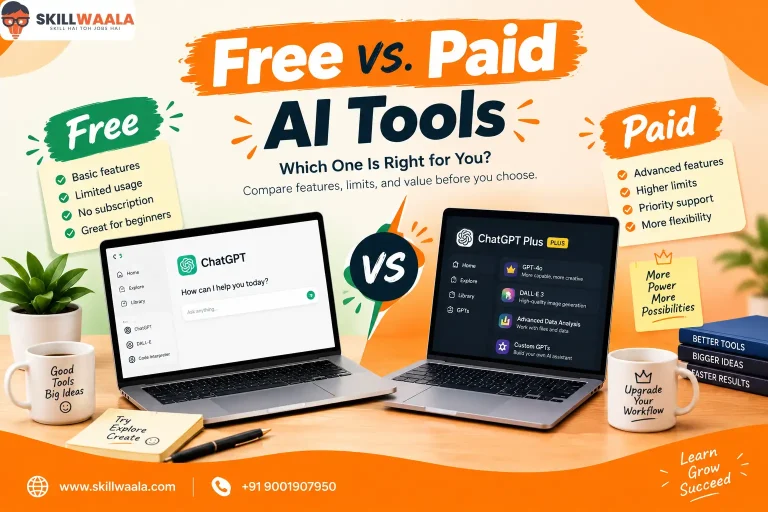

Trending AI Blogs

Trending AI Blogs

AI Tools • 17 minutes read

Best AI Voice Cloning Tools in 2026: 10 Tools Worth Trying

I’ve tested enough AI tools to know that a great demo doesn’t always translate into a great workflow. Voice cloning is a perfect example. Some AI voic...

AI Tools • 15 minutes read

10 Best AI Tools for Email Marketing: Tested & Compared

I used to think email marketing was mostly about writing good emails. Then I actually started doing it regularly. The writing was rarely the part that...

AI Tools • 14 minutes read

How to Run ChatGPT Ads in 2026? A Practical Guide to OpenAI Advertising

Most people know ChatGPT as the place they go when they need an answer, an idea, or a quick explanation. However, many still don’t know that ChatGPT A...

AI Tools • 17 minutes read

Best AI Tools for Freelancers in 2026: 15 Tools I’d Actually Use

I’ve spent enough time freelancing to know that the actual client work is rarely the only thing that keeps you busy. Finding clients, writing proposal...

FAQ (Frequently Asked Questions)

Ans. AI coding tools use artificial intelligence to help with programming tasks such as generating code, completing code, debugging, explaining logic, and improving existing implementations.

Ans. An AI code generator creates programming code from natural-language instructions, prompts, or existing code. You should review and test generated code before using it.

Ans. Yes. Some platforms provide a free AI code generator or free tier with limits on usage, features, or supported models.

Ans. The best AI coding tools depend on your programming language, IDE, project requirements, budget, and preferred workflow. Compare tools based on the features you actually need.

Ans. An AI code assistant helps you write, complete, understand, debug, and improve code. A code assistant AI can also answer programming questions and suggest alternative implementations.

Ans. AI code generation tools can create functions, scripts, components, queries, and other programming structures from natural-language instructions or existing code.

Ans. No. AI tools for coding can reduce repetitive work and speed up development, but developers still need to review code, test applications, manage security, and make technical decisions.

Ans. Beginners should look for an intuitive tool that explains its suggestions, supports their programming language, and offers a free plan. An assistant that helps you understand the generated code can be especially useful while learning.

