





















What Are AI Assistant Code Tools?
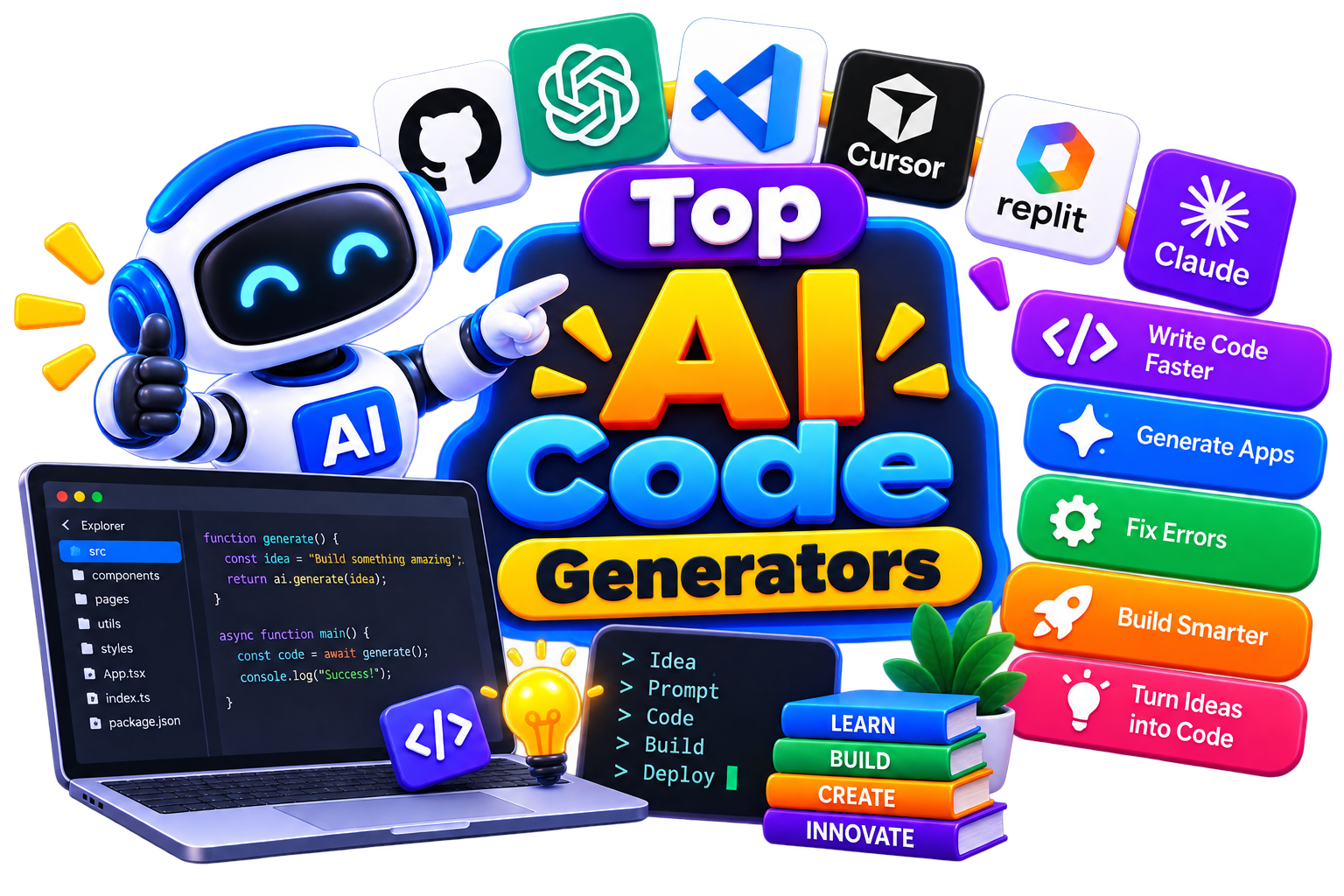
AI assistant code tools are software platforms that use artificial intelligence to help developers write, review, debug, and optimize code. They range from AI code generators that create code from natural language prompts to AI coding assistants that understand your entire codebase, plan multi-file changes, and execute tasks autonomously.
And with them, you don't have to figure out every coding problem alone. AI tools for coding give you a place to ask questions, generate code, understand unfamiliar logic, and explore possible solutions. Some work inside your coding environment, while others let you interact through a chat interface. The goal is simple: reduce repetitive work and help you move through development with fewer roadblocks.
How Do AI Assistant Code Tools Work?
You give the AI a coding problem, and it tries to help you solve it. That could mean writing a function, explaining an error, completing a line of code, or suggesting a better approach.
And here’s how a typical workflow goes:
Tell the AI what you need.
Share the relevant code or error when necessary.
Let the tool generate a suggestion.
Review and modify the result.
Test the code in your project.
The best part? Some tools can also understand surrounding code, making their suggestions more relevant to what you're already building.
Benefits of AI Assistant Code Tools
Coding assistants can save you time, but their real value comes from reducing the small obstacles that slow development down. You can use them to get a starting point, explore solutions, or understand code without constantly searching through documentation.
Write repetitive code faster.
Turn plain-language instructions into working code.
Get help understanding unfamiliar functions and syntax.
Explore different approaches to the same programming problem.
Find possible errors and debugging suggestions.
Create prototypes without building every component manually.
Improve productivity during everyday development.
Learn programming concepts through interactive explanations.
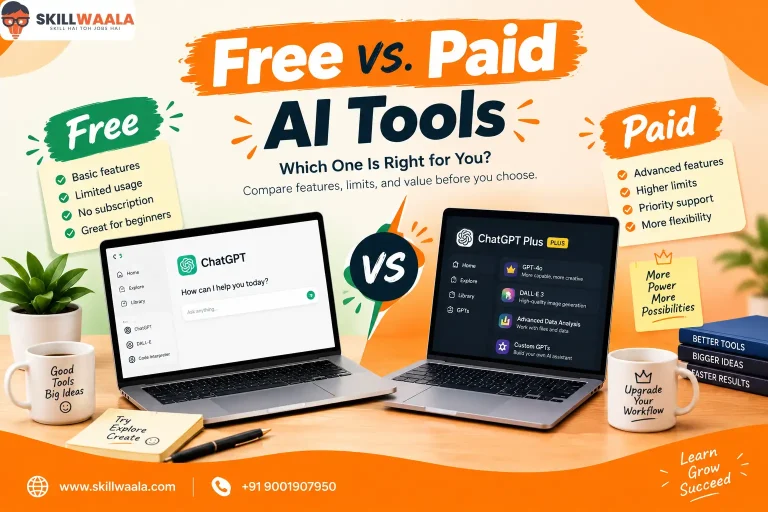
Best Free AI Assistant Code Tools
If you want to experiment before paying for a subscription, free options can be a good starting point. Features, usage limits, and eligibility can vary between platforms.
Best Paid AI Assistant Code Tools
Then, for larger projects or regular development work, premium tools may offer deeper integrations, higher usage limits, and more advanced assistance. So, if you're comparing the best AI code generator options, look beyond code generation and consider how well each platform fits your development workflow, like
How to Choose the Right AI Assistant Code Tool?
The right tool isn't necessarily the one with the longest feature list. It should fit naturally into your development workflow and solve the problems you actually face. Like, if you're looking for the best AI code assistant, start with the problems you want it to solve rather than simply choosing the tool with the most features. Here’s how-
Start With Your Stack
Check whether the tool works well with the programming languages, frameworks, libraries, and environments you already use.
Check Where It Works
An assistant that integrates directly into your preferred IDE can be more useful than one that requires constant switching between applications.
Look at Context Handling
Some AI tools can work with larger amounts of surrounding code or project context. This can make suggestions more relevant when you're working on real-world projects.
Evaluate Code Quality
Generated code should be readable, maintainable, and appropriate for your application. Fast generation isn't useful if you spend more time fixing poor output.
Consider Privacy
If you work with proprietary software, customer information, or confidential source code, understand how the platform handles your data before using it.
Compare the Real Cost
Look beyond the headline subscription price. Check usage limits, premium features, team plans, and whether the free version is sufficient for your needs.
Common Mistakes to Avoid When Choosing AI Assistant Code Tools
AI can make coding faster, but choosing or using the wrong tool can create unnecessary problems. Keep these mistakes off your development checklist:
Choosing a tool only because it's popular.
Assuming AI-generated code is automatically correct.
Ignoring security vulnerabilities in generated code.
Giving the AI too little context and expecting perfect results.
Skipping testing after accepting generated code.
Paying for advanced features you don't actually need.
Ignoring privacy policies when working with sensitive projects.
Using AI as a substitute for understanding the code.
The strongest results come when you treat AI as a development assistant, not an automatic approval system.
Future of AI Assistant Code Tools
Coding assistants are gradually moving beyond simple autocomplete. As AI becomes better at understanding project context, these tools are likely to become more useful across planning, implementation, debugging, testing, documentation, and code maintenance.
Future AI tools for code generation may be able to work with larger parts of a project and handle more connected development tasks instead of generating isolated snippets. Developers may also get more personalized assistance based on their preferred languages, frameworks, coding patterns, and project requirements.
But one thing is unlikely to change: developers will still need to make the important decisions. AI can generate possibilities quickly, while humans remain responsible for architecture, security, performance, testing, and the final quality of the software.