










What are AI Video Generators?
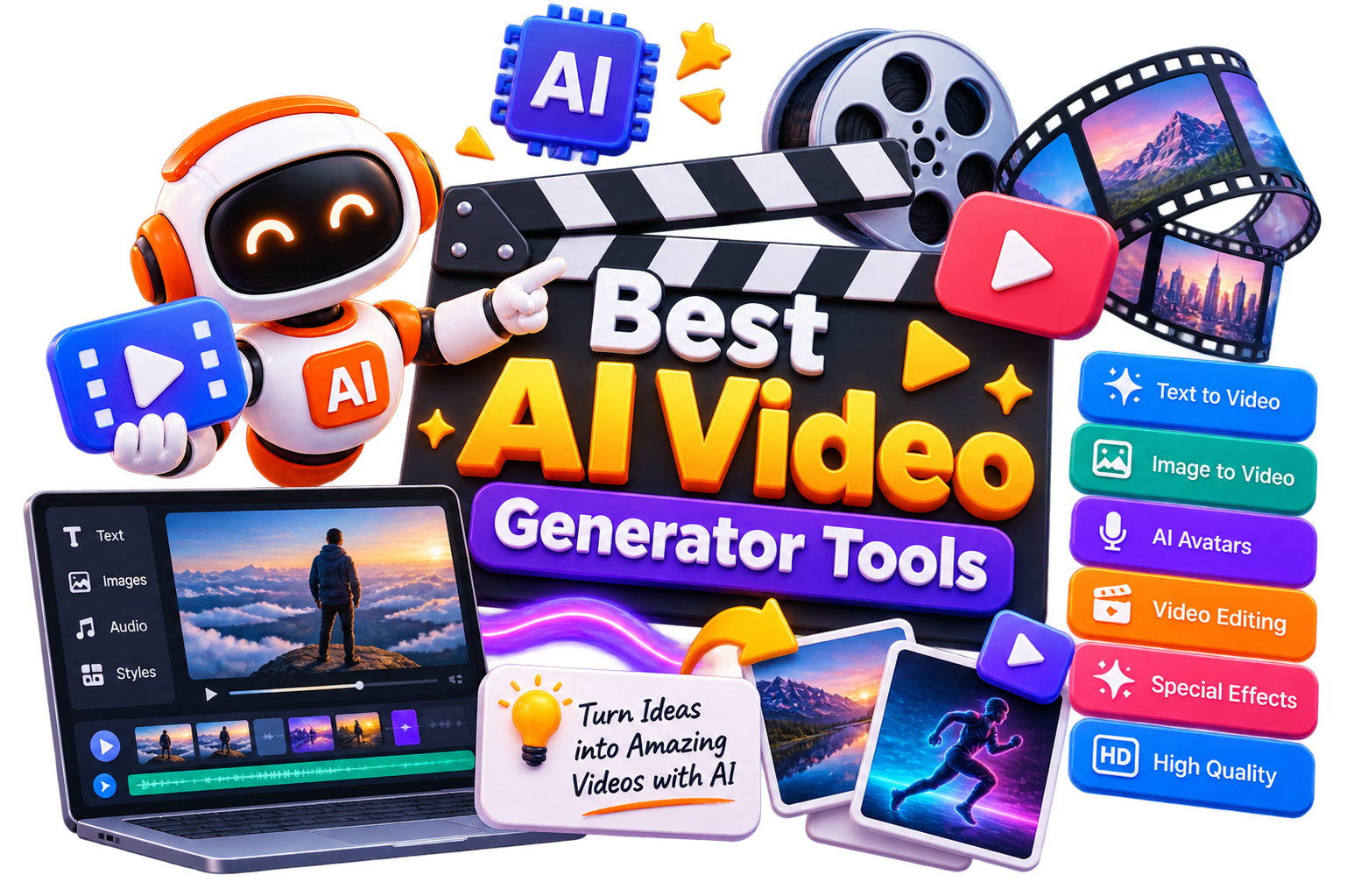
AI video generators are tools that help create videos using text prompts, images, scripts, or existing footage. Depending on the platform, you can generate cinematic scenes, talking avatars, product demonstrations, social media videos, animations, and more.
However, it is important to understand that not all AI video generator tools are built for the same purpose. Some focus on realistic text-to-video AI, while others specialize in AI presenters, video editing, dubbing, or turning slides and documents into videos.
That’s why it is crucial to compare the best AI video generators. Looking beyond features and pricing to understand what each tool does best will help you choose one that fits your workflow.
How Do AI Video Generators Work?
AI video generators use machine learning models to turn text prompts, images, scripts, or other inputs into videos. Depending on the tool, you might start with a simple prompt, upload product images, paste a blog post, or choose an AI avatar. The platform then generates scenes, animations, voiceovers, transitions, and visual effects automatically.
The process can vary significantly from one tool to another. Some platforms are designed for text-to-video AI generation, while others focus on AI avatars, video editing, or lip-syncing.
Many also include built-in features like AI voiceovers, subtitles, background music, translations, and brand customization, reducing the need to switch between multiple editing tools.
The final video quality depends on more than just the AI model. Your input, editing options, rendering quality, and the type of video you’re creating all influence the end result of AI video generation.
Benefits of AI Video Generators
AI video generators make video production faster and more accessible. Instead of starting with a camera, editing software, and a production team, you can generate polished videos using prompts, scripts, or existing content.
Create videos in minutes instead of spending hours editing.
Turn text, blog posts, or presentations into engaging videos with an AI video maker.
Produce consistent content for social media and marketing campaigns
Reduce production costs without compromising on quality
Experiment with different styles, formats, and video concepts quickly
Scale video creation for multiple platforms and audiences with less effort
Best Free AI Video Generators
Free AI video generators are ideal for experimenting with AI-powered video creation before upgrading to a paid plan. If you’re looking for a free AI video generator, these tools are a good place to start:
Best Paid AI Video Generators
Paid AI video generator tools offer better rendering quality, longer video durations, advanced editing controls, and commercial usage rights.
How to Choose the Right AI Video Generator?
The best AI video generator depends on the type of videos you create. While some platforms are built for cinematic storytelling, others are better suited for AI avatars, marketing videos, or social media content. Before choosing among the best AI video generators, compare the features that matter most to your workflow.
Video Type: Choose a tool designed for the kind of videos you create.
Output Quality: Compare motion quality, visual consistency, and rendering resolution before making a decision
Editing Features: Look for options like scene editing, subtitles, voiceovers, transitions, and background music.
Customization: Check whether you can upload brand assets, customize avatars, or control styles and camera movements.
Export & Licensing: Review export quality, watermark limitations, and commercial usage rights if you’re creating content professionally.
Pricing & Usage Limits: Compare free credits, subscription plans, and rendering limits to find the best value for your needs.
Common Mistakes to Avoid When Choosing an AI Video Generator
Choosing an AI video generator based solely on demos can lead to disappointing results. Before committing to a platform, make sure it fits the type of videos you actually create and the workflow you follow.
Choosing a tool based only on trending videos or social media hype
Ignoring export quality, watermarks, and commercial licensing
Assuming one tool can handle every type of video equally well
Overlooking editing features like subtitles, voiceovers, and scene controls
Paying for a subscription before testing the free plan or trial
Focusing only on generation speed instead of overall video quality and consistency
Future of AI Video Generation
AI video generation is evolving far beyond short text-to-video clips. Newer models are producing longer videos with smoother motion, improved character consistency, and better control over camera angles, styles, and storytelling.
At the same time, AI avatars, voice cloning, dubbing, and video editing are becoming part of the same workflow instead of separate tools.
As these technologies continue to improve, AI video generators will make it easier to produce professional-quality videos in less time, at lower cost, and with fewer technical barriers.
Rather than replacing traditional video production, they’re becoming a practical way to speed up content creation, marketing, training, and creative projects.