














What Are Video Editing Tools?
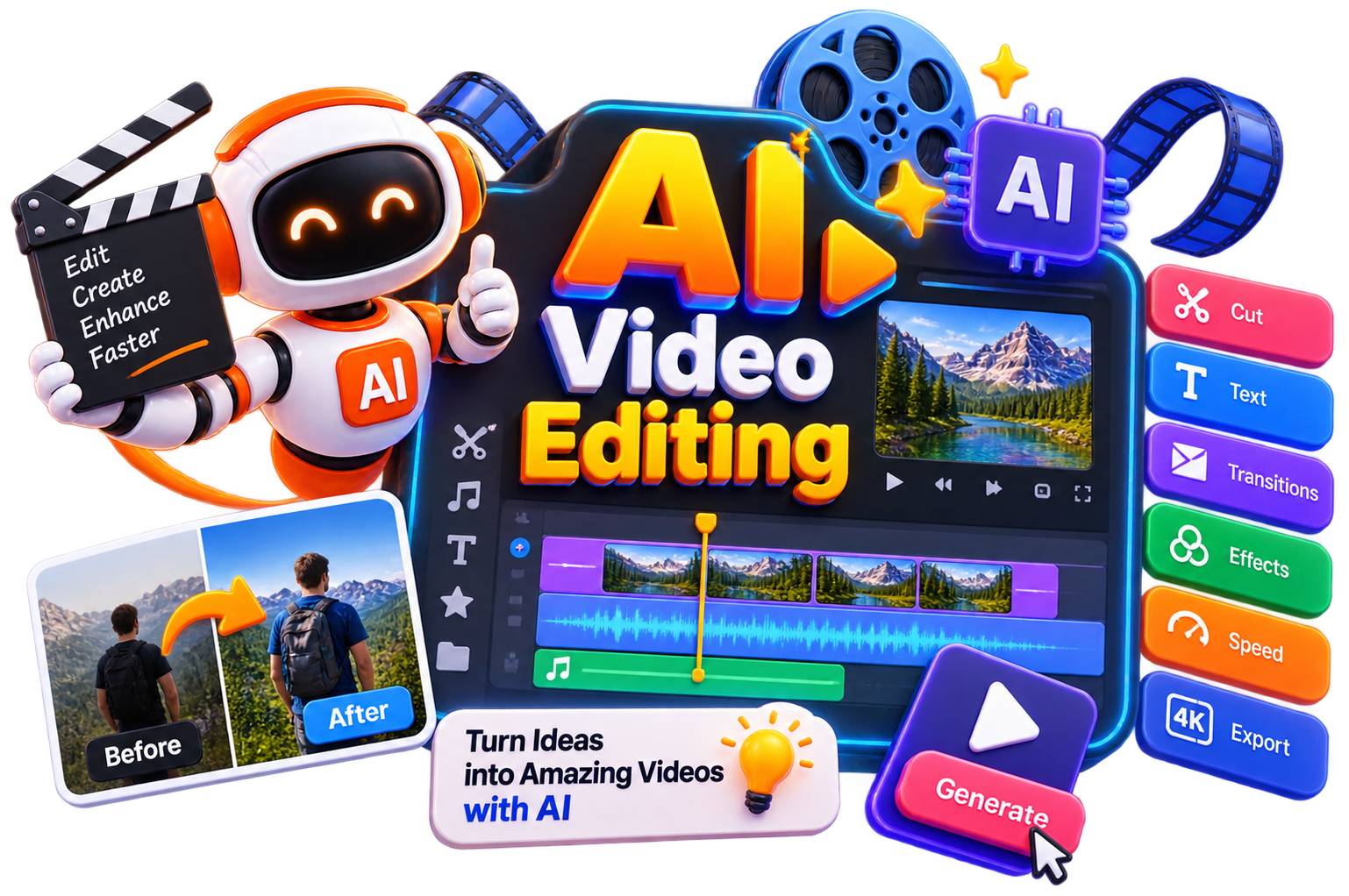
AI video editing tools are software platforms that use artificial intelligence to automate, enhance, and streamline video production. These video editing tools handle everything from automatic captioning and multicam switching to full video generation from text prompts.
But today, the distinction matters. Earlier, traditional video editing software forced you to do everything manually. On the other hand, AI video editing tools handle repetitive tasks so you can focus on storytelling.
Key capabilities of modern video editing tools:
- Auto-captioning - AI generates and styles subtitles in seconds
- Multicam sync - Automatically aligns multiple camera angles
- Silence removal - Cut dead air automatically across all tracks
- Text-based editing - Edit video like a document
- AI generation - Create footage from text prompts
- Auto-resizing - One-click repurpose for different platforms
How Do Video Editing Tools Work?
Modern AI video editing tools analyze your footage using artificial intelligence to automate tasks that traditionally require manual editing. Here's how they typically work:
Upload your video or start with an online video editing tool directly from your browser.
AI detects scenes, speakers, silent moments, and key highlights automatically.
Generate captions, subtitles, and transcripts with minimal effort.
Improve video quality through color correction, noise reduction, and basic enhancements.
Remove unnecessary pauses, filler words, or unwanted sections to save editing time.
Export videos in different formats optimized for YouTube, social media, websites, or presentations.
Benefits of Video Editing Tools
Using AI video editing can help you create better videos while reducing the time spent on repetitive editing tasks.
Edit videos faster with AI-assisted workflows.
Save hours on trimming, captioning, and scene detection.
Improve video quality with automated enhancements.
Create content for multiple platforms from a single recording.
Produce professional-looking videos without advanced editing skills.
Access free AI tools for video editing before upgrading to premium plans.
Improve consistency across your video content.
Focus more on storytelling and creativity instead of repetitive editing.
Best Free Video Editing Tools
Free video editing tools are ideal for beginners and occasional creators. So, you can try the following ones-
Best Paid Video Editing Tools
Then, when your editing workflow becomes more advanced, premium AI video editing tools provide additional automation, collaboration, and export capabilities. Some popular choices that you could go for are:
How to Choose the Right Video Editing Tool?
The best AI video editing tool depends on your needs. Consider these factors:
Common Mistakes to Avoid When Choosing a Video Editing Tool
Not testing free versions first - Free video editing tools let you test before committing
Choosing a tool that doesn't match your workflow - Mobile creators need mobile apps, desktop editors need desktop tools
Ignoring export limits - Some free tools add watermarks or limit resolution
Not checking multicam support - If you edit podcasts or interviews, multicam matters
Future of Video Editing Tools
Video editing is becoming less about manual work and more about creative decision-making. So, as AI video editing continues to advance, routine tasks like trimming clips, generating captions, enhancing visuals, and repurposing content will likely become even more automated. That means, instead of spending hours on repetitive edits, you'll be able to focus on storytelling, creativity, and producing videos that connect with your audience.