
AI Video Editing: Compare the Best Video Editing Tools (Free & Paid Tools)

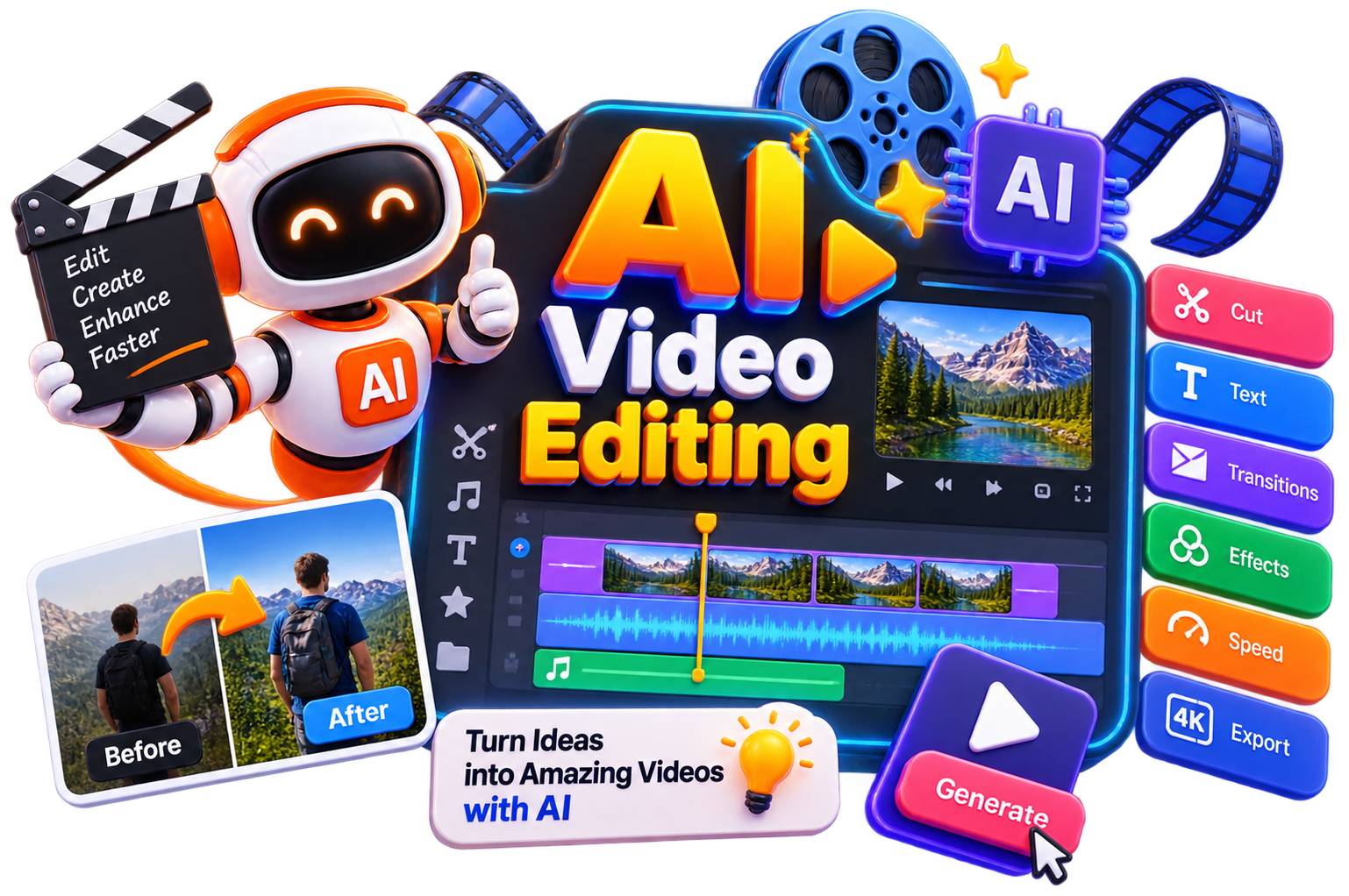
Editing videos no longer has to mean spending hours on timelines and manual adjustments. With today's AI video editing tools, many tasks from cutting clips to generating captions can be completed in just a few clicks. Explore and compare the best video editing tools to discover the features, pricing, and capabilities that suit your editing style.

  • Options Free & Premium
  • Verified Evaluated by Experts
  • 100+ AI Tools
AI Video Editing: Compare the Best Video Editing Tools (Free & Paid Tools)

Search Video Edition

# Name Category Pricing Platforms Supported Rating Tool Tutorials
26 Video Edition Web
star star star star
27 Video Edition Free + Paid Web
star star star star
28 Video Edition Not publicly disclosed Web
star star star star
29 Video Edition Free + Paid Web
star star star star
30 Video Edition Not publicly disclosed Web
star star star star
31 Video Edition Free + Paid Web
star star star star
32 Video Edition Not publicly disclosed Web
star star star star
33 Video Edition Free + Paid Web
star star star star
34 Video Edition Free + Paid Web
star star star star
35 Video Edition Web
star star star star
36 Video Edition Not publicly disclosed Web
star star star star
37 Video Edition Web
star star star star
38 Video Edition Free + Paid Web
star star star star
39 Video Edition Not publicly disclosed Web
star star star star
40 Video Edition Free + Paid Web
star star star star
41 Video Edition Web
star star star star
42 Video Edition Web
star star star star
43 Video Edition Freemium Web
star star star star
44 Video Edition Not publicly disclosed Web
star star star star
45 Video Edition Not publicly disclosed Web
star star star star
46 Video Edition Not publicly disclosed Web
star star star star
47 Video Edition Free + Paid Web
star star star star
48 Video Edition Free + Paid Web
star star star star
49 Video Edition Web
star star star star
50 Video Edition Web
star star star star

Explore Video Editing Prompts

Get ready-to-use AI prompts for video editing, YouTube content, captions, scene enhancement, short-form videos, transitions, and creative edits.

Popular Use Cases of Video Editing Tools

Social Media Videos

Create engaging videos for Instagram, TikTok, Facebook, and LinkedIn with AI video editing features that speed up trimming, captions, and transitions.

YouTube Content

Use video editing tools for YouTube to edit tutorials, vlogs, reviews, podcasts, and long-form videos more efficiently.

Marketing Videos

Create product demos, promotional videos, advertisements, and branded content with AI tools for video editing.

Online Courses

Edit lectures, tutorials, and educational videos with automated captions, silence removal, and visual enhancements.

Business Presentations

Turn presentations and recordings into polished videos suitable for internal communication or client meetings.

Short-Form Content

Repurpose long videos into YouTube Shorts, Instagram Reels, and other bite-sized clips using modern video editing AI tools.

Who Should Use Video Editing Tools?

Content Creators

Produce high-quality videos faster without spending hours on manual editing.

YouTubers

Choose video editing tools for YouTube that simplify editing, improve production quality, and speed up publishing.

Digital Marketers

Create promotional videos, advertisements, and social media campaigns with AI video editing tools.

Businesses

Develop training videos, product demonstrations, customer testimonials, and marketing content more efficiently.

Educators

Edit online lessons, webinars, and tutorials with automated editing features that save valuable time.

Freelancers & Agencies

Handle multiple client projects efficiently using the best AI tools for video editing while maintaining consistent quality.

What Are Video Editing Tools? 

AI video editing tools are software platforms that use artificial intelligence to automate, enhance, and streamline video production. These video editing tools handle everything from automatic captioning and multicam switching to full video generation from text prompts.

But today, the distinction matters. Earlier, traditional video editing software forced you to do everything manually. On the other hand, AI video editing tools handle repetitive tasks so you can focus on storytelling.

Key capabilities of modern video editing tools:

  • Auto-captioning – AI generates and styles subtitles in seconds

  • Multicam sync – Automatically aligns multiple camera angles 

  • Silence removal – Cut dead air automatically across all tracks 

  • Text-based editing – Edit video like a document 

  • AI generation – Create footage from text prompts

  • Auto-resizing – One-click repurpose for different platforms

How Do Video Editing Tools Work? 

Modern AI video editing tools analyze your footage using artificial intelligence to automate tasks that traditionally require manual editing. Here's how they typically work:

  • Upload your video or start with an online video editing tool directly from your browser.

  • AI detects scenes, speakers, silent moments, and key highlights automatically.

  • Generate captions, subtitles, and transcripts with minimal effort.

  • Improve video quality through color correction, noise reduction, and basic enhancements.

  • Remove unnecessary pauses, filler words, or unwanted sections to save editing time.

  • Export videos in different formats optimized for YouTube, social media, websites, or presentations.

Benefits of Video Editing Tools

Using AI video editing can help you create better videos while reducing the time spent on repetitive editing tasks.

  • Edit videos faster with AI-assisted workflows.

  • Save hours on trimming, captioning, and scene detection.

  • Improve video quality with automated enhancements.

  • Create content for multiple platforms from a single recording.

  • Produce professional-looking videos without advanced editing skills.

  • Access free AI tools for video editing before upgrading to premium plans.

  • Improve consistency across your video content.

  • Focus more on storytelling and creativity instead of repetitive editing.

Best Free Video Editing Tools

Free video editing tools are ideal for beginners and occasional creators. So, you can try the following ones- 

  • CapCut

  • Clipchamp

  • Canva

  • Blender

  • Movavi

Best Paid Video Editing Tools

Then, when your editing workflow becomes more advanced, premium AI video editing tools provide additional automation, collaboration, and export capabilities. Some popular choices that you could go for are:

  • Wondershare Filmora 

  • Descript

  • Runway

  • VEED

  • Synthesia

How to Choose the Right Video Editing Tool?

The best AI video editing tool depends on your needs. Consider these factors:

Factor

What to Look For

Primary Use Case

YouTube, social media, or professional? Like, pick video editing tools for YouTube if that's your focus

Platform Integration

Some tools are mobile-first (InShot), others desktop-first (Premiere)

Team Needs

Does the tool support collaboration? Selects has team plans for agencies

Cost

Free plan, pricing & upgrades

Export Formats

Check support for TikTok, Instagram, YouTube, and 4K exports like MP4, MOV, 4K & platform support

Common Mistakes to Avoid When Choosing a Video Editing Tool

  • Not testing free versions first – Free video editing tools let you test before committing

  • Choosing a tool that doesn't match your workflow – Mobile creators need mobile apps, desktop editors need desktop tools

  • Ignoring export limits – Some free tools add watermarks or limit resolution

  • Not checking multicam support – If you edit podcasts or interviews, multicam matters

Future of Video Editing Tools

Video editing is becoming less about manual work and more about creative decision-making. So, as AI video editing continues to advance, routine tasks like trimming clips, generating captions, enhancing visuals, and repurposing content will likely become even more automated. That means, instead of spending hours on repetitive edits, you'll be able to focus on storytelling, creativity, and producing videos that connect with your audience.

Trending AI Blogs

Trending AI Blogs

AI Tools • 17 minutes read

Best AI Voice Cloning Tools in 2026: 10 Tools Worth Trying

I’ve tested enough AI tools to know that a great demo doesn’t always translate into a great workflow. Voice cloning is a perfect example. Some AI voic...

AI Tools • 15 minutes read

10 Best AI Tools for Email Marketing: Tested & Compared

I used to think email marketing was mostly about writing good emails. Then I actually started doing it regularly. The writing was rarely the part that...

AI Tools • 14 minutes read

How to Run ChatGPT Ads in 2026? A Practical Guide to OpenAI Advertising

Most people know ChatGPT as the place they go when they need an answer, an idea, or a quick explanation. However, many still don’t know that ChatGPT A...

AI Tools • 17 minutes read

Best AI Tools for Freelancers in 2026: 15 Tools I’d Actually Use

I’ve spent enough time freelancing to know that the actual client work is rarely the only thing that keeps you busy. Finding clients, writing proposal...

FAQ (Frequently Asked Questions)

Ans. AI video editing uses artificial intelligence to automate tasks like trimming clips, generating captions, detecting scenes, enhancing quality, and organizing footage, making the editing process faster and more efficient.

Ans. The best AI tools for video editing depend on your needs. Popular platforms include Adobe Premiere Pro, Descript, Filmora, CapCut, VEED, and Riverside, each offering different AI-powered features.

Ans. Yes. Several platforms offer free AI tools for video editing with useful features such as automatic captions, basic editing, and cloud-based workflows. Premium plans usually unlock advanced capabilities.

Ans. Absolutely. Many video editing tools for YouTube include AI-powered features like automatic subtitles, silence removal, scene detection, and smart editing to help creators publish videos more efficiently.

Ans. Yes. Many modern platforms work as an online video editing tool, allowing you to upload, edit, and export videos directly from your browser without installing desktop software.

Ans. Yes. Many AI video editing tools are designed with beginner-friendly interfaces and automation features that help you create polished videos without requiring advanced editing experience.

