








What Are AI Transcriber Tools?
An AI transcript generator converts spoken words into written text automatically. Upload an audio or video file, and the AI analyzes the speech to produce a transcript that you can edit, search, and share.
Modern AI transcription software can handle everything from meetings and interviews to podcasts, lectures, and voice notes. Accuracy depends on several factors, including audio quality, background noise, speaker clarity, and language support. That’s why it’s worth comparing different AI transcription tools instead of assuming they’ll all deliver the same results.
How Do AI Transcriber Tools Work?
An AI transcriber listens to spoken audio and uses speech recognition models to convert it into written text. Simply upload an audio or video file, or connect a live meeting, and the AI identifies spoken words, timestamps, and, in many cases, different speakers automatically.
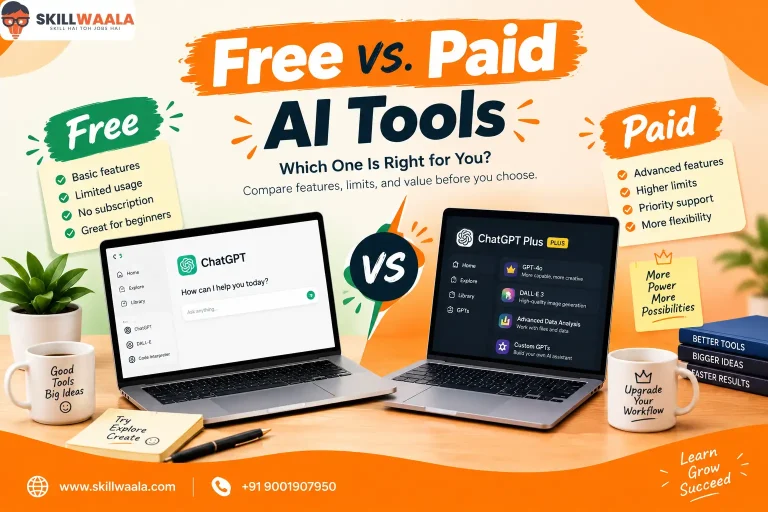
Many platforms also include features like speaker identification, searchable transcripts, summaries, translations, and subtitle generation. If you’re looking for free AI transcription software or want to transcribe audio without paying upfront, you’ll usually find limits on file length, transcription minutes, or export options. Paid plans typically offer better accuracy, faster processing, and more advanced collaboration features.
Benefits of AI Transcriber Tools
Manually transcribing audio is slow, repetitive, and prone to errors. AI transcriber tools automate that process, helping you convert conversations, recordings, and videos into searchable text in a fraction of the time.
Convert audio and video recordings into accurate text within minutes.
Save hours of manual transcription work.
Create searchable transcripts for meetings, interviews, and lectures.
Generate subtitles and captions for videos more efficiently.
Improve collaboration by sharing editable transcripts with your team.
Repurpose spoken content into articles, notes, reports, and other written formats.
Best Free AI Transcriber Tools
Looking to transcribe AI free of cost? These AI tools let you convert audio to text without paying upfront. While some have daily limits or file restrictions, they’re enough to test transcription quality before moving to a paid plan.
Best Paid AI Transcriber Tools
Paid AI transcription software offers higher transcription accuracy, longer recording limits, speaker recognition, collaboration features, and commercial usage.
Trint
Rev AI
Verbit
Happy Scribe
How to Choose the Right AI Transcriber Tool?
Accuracy matters, but it isn’t the only thing worth comparing. A transcription tool should also fit the way you work, whether you’re documenting meetings, transcribing interviews, creating subtitles, or processing long recordings. Before making a decision, compare these factors:
Transcription Accuracy: Test the tool with your own recordings, especially if they include multiple speakers or background noise.
Language Support: Check whether it supports the languages and accents you work with.
Speaker Recognition: Automatic speaker identification can save significant editing time.
Export Options: Look for formats like TXT, DOCX, SRT, or PDF based on your workflow.
Integrations: Consider compatibility with Zoom, Google Meet, Microsoft Teams, or your preferred productivity tools.
Pricing: Compare transcription limits, storage, collaboration features, and subscription plans before upgrading.
Common Mistakes to Avoid When Choosing an AI Transcriber Tool
A transcript is only as useful as its accuracy. Before settling on an AI transcriber, spend a little time testing how it handles the recordings you work with most instead of relying on marketing claims alone.
Choosing a tool without testing transcription accuracy on your own audio
Ignoring support for different accents, languages, and multiple speakers
Assuming AI transcripts won’t need any manual review or corrections.
Overlooking export formats, timestamps, and subtitle generation features.
Paying for advanced collaboration features you’ll rarely use.
Using poor-quality recordings and expecting perfect transcription results.
Future of AI Transcription
Transcription is improving well beyond simple speech-to-text conversion. Newer models are delivering better accuracy in noisy environments, stronger speaker recognition, and improved support for multiple languages and accents. As a result, transcripts require less manual editing than they did just a few years ago.
Another noticeable shift is the move toward complete meeting intelligence. Instead of generating transcripts alone, many AI transcription tools now create summaries, action items, searchable notes, and highlights automatically. As these capabilities continue to evolve, transcription will become a seamless part of communication, documentation, and knowledge management rather than a separate task.