


Best Text-to-Video AI Tools

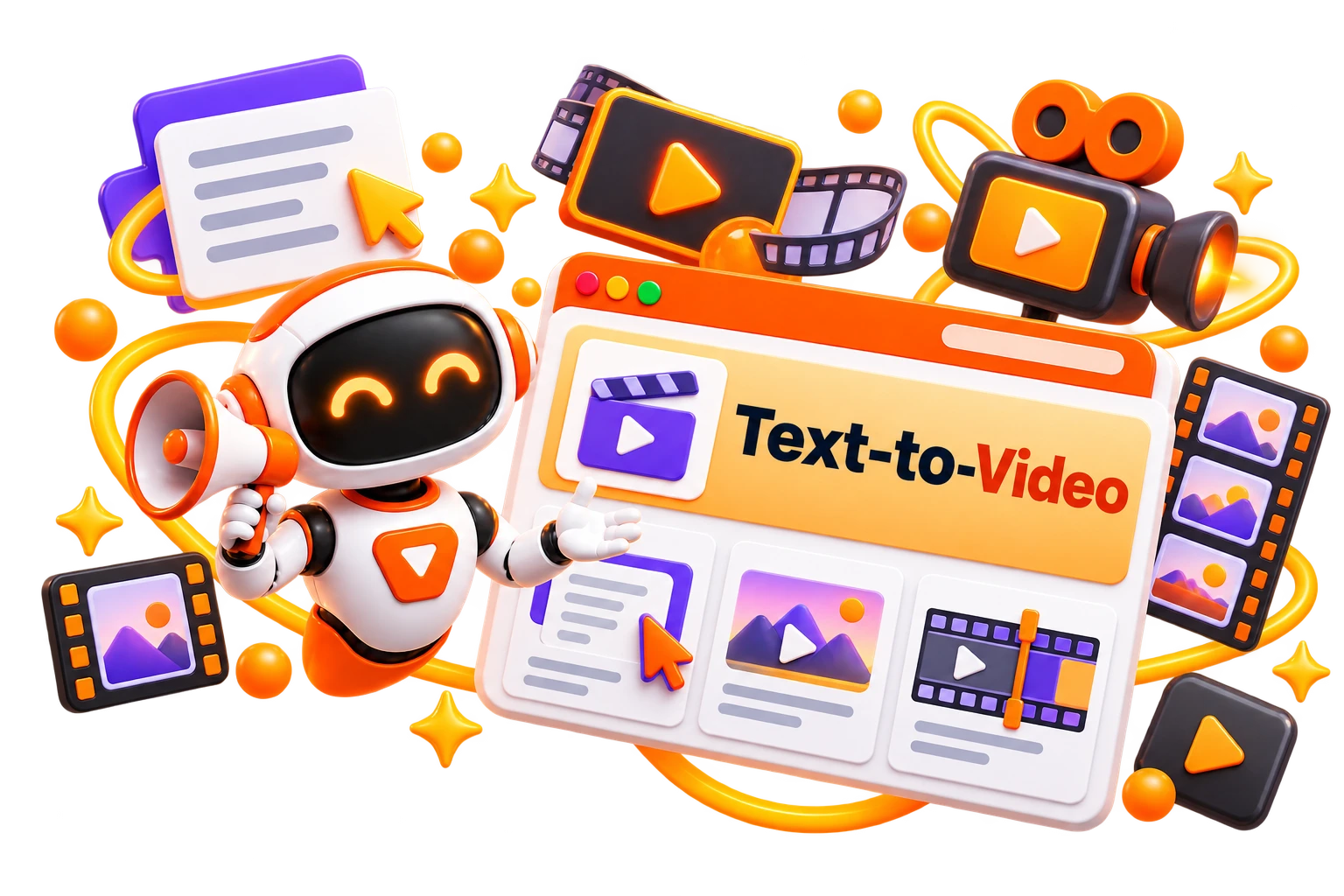
Turning an idea into a video now only requires a simple prompt. This category brings together the best text-to-video AI tools to help you compare features, output quality, and creative controls. Browse text to video AI tools and find the right platform for your use case.

  • Options Free & Premium
  • Verified Evaluated by Experts
  • 55+ AI Tools
Best Text-to-Video AI Tools

Search Text-to-video

# Name Category Pricing Platforms Supported Rating Tool Tutorials
26 Text-to-video Free + Paid Web
star star star star
27 Text-to-video Not publicly disclosed Web
star star star star
28 Video Generators Not publicly disclosed Web
star star star star
29 Text-to-video Free + Paid Web
star star star star
30 Text-to-video Not publicly disclosed Web
star star star star
31 Text-to-video Not publicly disclosed Web
star star star star
32 Text-to-video Not publicly disclosed Web
star star star star
33 Text-to-video Free + Paid Web
star star star star
34 Text-to-video Free + Paid Web
star star star star
35 Text-to-video Free + Paid Web
star star star star
36 Text-to-video Free + Paid Web
star star star star
37 Text-to-video Not publicly disclosed Web
star star star star
38 Text-to-video Free + Paid Web
star star star star
39 Text-to-video Free + Paid Web
star star star star
40 Text-to-video Not publicly disclosed Web
star star star star
41 Text-to-video Not publicly disclosed Web
star star star star
42 Text-to-video Not publicly disclosed Web
star star star star
43 Text-to-video Not publicly disclosed Web
star star star star
44 Text-to-video Free Web
star star star star
45 Text-to-video Free + Paid Web
star star star star
46 Text-to-video Not publicly disclosed Web-based
star star star star
47 Text-to-video Not publicly disclosed Web
star star star star
48 Text-to-video Not publicly disclosed Web
star star star star
49 Text-to-video Not publicly disclosed Web
star star star star
50 Text-to-video Not publicly disclosed Web
star star star star

Explore Text-to-video Promts

Find text-to-video generation to create photorealistic, aesthetic videos from written prompts.

Popular Use Cases of Text-to-Video AI Tools

Marketing Videos

Turn product ideas, campaign briefs, and promotional copy into ready-to-share videos

Social Media Content

Create short videos for Instagram Reels, YouTube Shorts, LinkedIn, and other platforms from a simple text prompt.

Educational Videos

Tranform lessons, tutorials, and training material into engaging visual content.

Storytelling & Short Films

Generate cinematic scenes and visual narratives without traditional video production.

Product Explainers

Convert product descriptions and feature lists into clear, engaging explainer videos

Blog-to-Video Content

Repurpose articles, newsletters, and written content into videos for wider distribution.

Who Should Use Text-to-Video AI Tools?

Content Creators

Turn scripts and ideas into videos without spending hours on editing

Marketers

Create promotional videos, product launches, and ad creatives from written content

Educators

Convert lessons, presentations, and training material into engaging video content

Businesses

Produce product demos, onboarding videos, and customer communication at scale.

Social Media Managers

Keep up with content calendars by transforming text into platform-ready videos

Agencies & Freelancers

Deliver video projects faster while reducing production time and creative costs.

What Are Text-to-Video AI Tools?

Text-to-video AI tools generate videos from written prompts instead of requiring a camera, actors, or complex editing software. Enter a sentence, script, or detailed prompt, and the AI creates scenes, animations, transitions, and visual effects that match your description. 


The result is an AI-generated video from text that can be refined, edited, and exported for different platforms. The technology has improved rapidly, but the experience still varies from one platform to another. 


Some tools excel at cinematic visuals, while others are better suited for marketing videos, educational content, or social media clips. Comparing text-to-video AI tools side by side helps you understand where each one performs best. 


How Do Text-to-Video AI Tools Work?

A text-to-video AI generator begins with a written prompt. That prompt can be a single sentence, a detailed script, or a scene description. The AI interprets your instructions and generates visuals, camera movements, animations, and transitions to produce a complete video without requiring traditional filming. 

Most platforms also let you refine the output by adjusting the prompt, changing visual styles, extending scenes, or regenerating individual clips. The more specific your instructions, the more accurately the AI can translate your ideas into video. 


If you’re using a free AI text to video generator, expect limits on video length, export quality, or monthly credits. Paid plans typically unlock higher resolutions, longer videos, faster rendering, and more creative controls. 

Benefits of Text-to-Video AI Tools

Creating videos from scratch often involves scripting, filming, editing, and post-production. Text-to-video AI tools simplify that process by turning written ideas into ready-to-edit videos, making content creation faster and more accessible. 


  • Turn text prompts into videos within minutes

  • Create marketing, educational, and social media content without filming

  • Experiment with multiple visual styles before choosing a final version. 

  • Reduce production costs for short-form and promotional videos

  • Repurpose blogs, articles, and scripts into engaging video content

  • Produce consistent videos at sale for different platforms and audiences

Best Free Text-to-Video AI Tools

If you’re getting started, a free text to video AI platform is the easiest way to explore AI-powered video creation. 


  • Google Flow

  • Kling AI

  • Pika

  • Meta AI

  • Hailuo AI

Best Paid Text-to-Video AI Tools

Paid text to video AI tools offer higher-quality outputs, longer video durations, advanced prompt controls, and commercial licensing. 


  • Runway ML

  • Luma Dream Machine

  • Higgsfield AI

  • Veo 3

  • PixVerse AI


How to Choose the Right Text-to-Video AI Tool?

The first video you generate shouldn’t be the reason you choose a platform. What matters is how consistently it delivers results after multiple iterations. Prompt interpretation, motion quality, editing controls, and rendering speed often have a bigger impact than flashy demo videos. Before making a decision, compare these factors: 


  • Output Quality: Look for realistic motion, visual consistency, and high-resolution exports. 

  • Prompt Accuracy: Choose a tool that understands detailed prompts and follows instructions reliably. 

  • Creative Controls: Features like camera movement, aspect ratios, style presets, and scene editing offer greater flexibility. 

  • Rendering Speed: Faster generation can significantly improve your workflow, especially for frequent projects. 

  • Commercial Usage: Review licensing terms before using AI-generated videos for business or client work. 

  • Pricing: Compare free credits, subscription plans, and export limits to find the best value. 

Common Mistakes to Avoid When Choosing a Text-to-Video AI Tool

An impressive demo doesn’t always translate into consistent results. Before subscribing to a platform, spend some time testing how it handles your own prompts and the type of content you plan to create. 


  • Choosing a tool based only on viral AI videos

  • Using vague prompts and expecting professional-quality results

  • Ignoring export quality, rendering limits, and commercial licensing

  • Paying for a subscription before testing the free version

  • Expecting every platform to generate the same level of motion and visual consistency

  • Overlooking editing features that can improve the final video without regenerating it. 

Future of Text-to-Video AI

The biggest improvements in text-to-video AI are no longer about generating a few seconds of footage. The focus has shifted to longer videos, smoother motion, stronger prompt accuracy, and greater control over characters, camera movements, and visual style. That makes the technology far more practical for professional content creation than it was just a year ago. 


Another trend worth watching is the convergence of creative workflows. Instead of relying on separate applications for scripting, image generation, video creation, voiceovers, and editing, newer text to video AI tools are beginning to combine these capabilities into a single platform. The result is a faster production process with fewer handoffs and much greater creative flexibility. 
Trending AI Blogs

Trending AI Blogs

AI Tools • 17 minutes read

Best AI Voice Cloning Tools in 2026: 10 Tools Worth Trying

I’ve tested enough AI tools to know that a great demo doesn’t always translate into a great workflow. Voice cloning is a perfect example. Some AI voic...

AI Tools • 15 minutes read

10 Best AI Tools for Email Marketing: Tested & Compared

I used to think email marketing was mostly about writing good emails. Then I actually started doing it regularly. The writing was rarely the part that...

AI Tools • 14 minutes read

How to Run ChatGPT Ads in 2026? A Practical Guide to OpenAI Advertising

Most people know ChatGPT as the place they go when they need an answer, an idea, or a quick explanation. However, many still don’t know that ChatGPT A...

AI Tools • 17 minutes read

Best AI Tools for Freelancers in 2026: 15 Tools I’d Actually Use

I’ve spent enough time freelancing to know that the actual client work is rarely the only thing that keeps you busy. Finding clients, writing proposal...

FAQ (Frequently Asked Questions)

Ans. The best text-to-video AI tool depends on your needs. Some excel at cinematic videos, while others are better for marketing, social media, or product demos.

Ans. Yes. Many platforms offer a free AI text to video generator with limited credits, making it easy to test before upgrading.

Ans. More detailed prompts usually produce better results. Include the subject, style, setting, and camera movement for greater accuracy.

Ans. Most paid platforms allow commercial use, but licensing policies vary. Always review the terms before publishing.

Ans. A text-to-video AI tool creates videos from prompts, while an AI video editor enhances or modifies existing footage.


