














What are No-Code & Low-Code AI Tools?
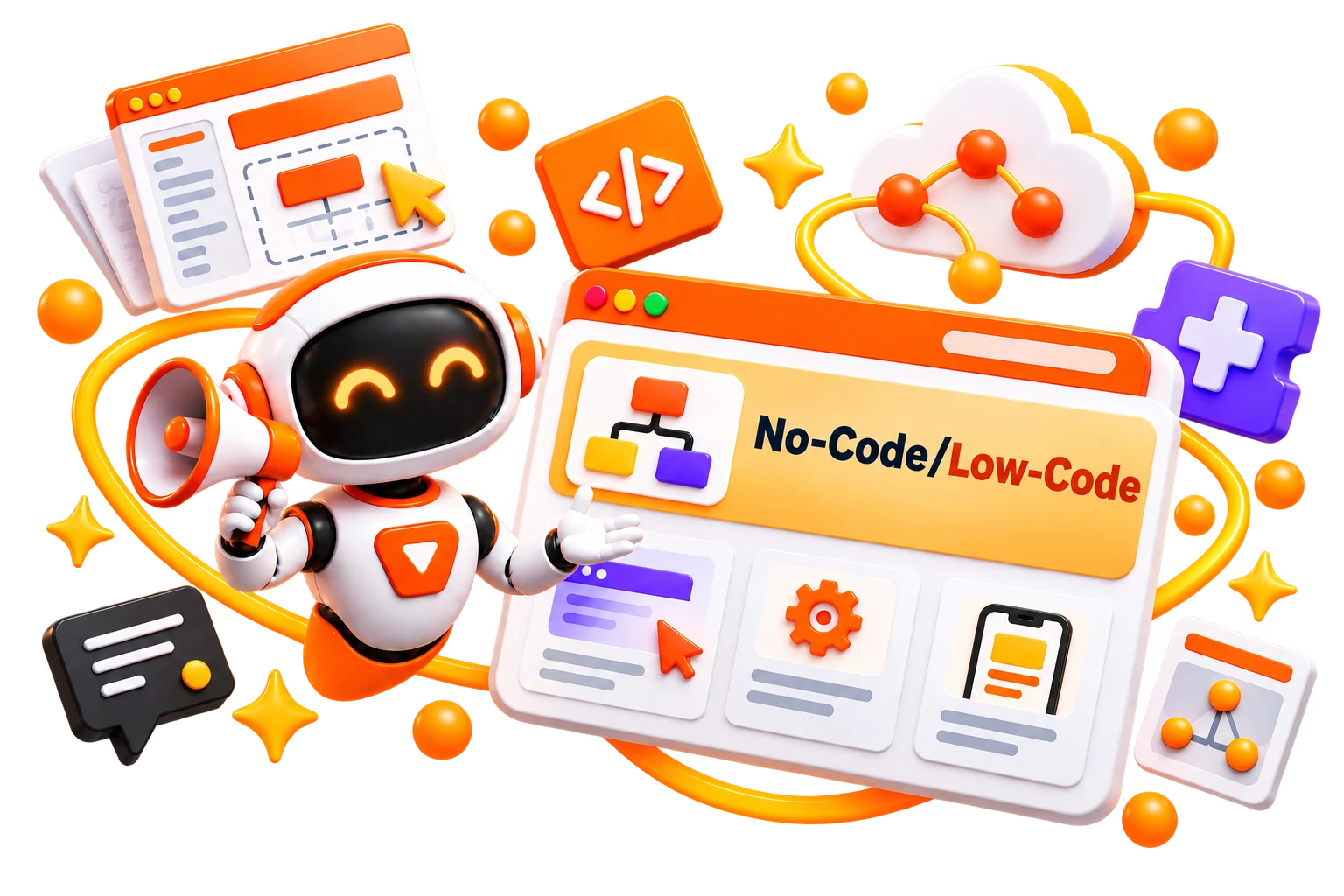
No-code AI tools let people build AI-powered applications, automations, and workflows through visual interfaces rather than traditional programming. You can configure components, connect data sources, and deploy solutions using drag-and-drop builders or guided workflows.
A low-code AI platform works similarly but leaves room for custom code when you need more control. This makes No-Code AI platforms useful for teams where business users and developers need to work on the same projects.
For machine learning, a no-code machine learning platform can simplify tasks such as preparing data, training models, evaluating results, and making predictions
How Do No-Code & Low-Code AI Tools Work?
Most platforms provide a visual workspace where you select AI models, data sources, workflows, and actions, then connect them without writing everything manually. The platform handles much of the underlying infrastructure while you focus on what the application or workflow should accomplish.
With no-code machine learning, you can typically upload or connect a dataset, choose the type of prediction you need, and let the platform handle model training and evaluation. Some platforms also provide pre-built AI models that can be added to an application without training one from scratch.
A no-code AI platform may also connect AI models to business tools, databases, APIs, and automation workflows. Low-code platforms provide additional flexibility by allowing developers to add custom scripts or logic when visual components aren’t enough.
Benefits of No-Code & Low-Code AI Tools
Building AI solutions traditionally requires programming knowledge, technical infrastructure, and development time. No-code platforms reduce those barriers, making experimentation and deployment more accessible.
Build AI applications without extensive programming knowledge
Prototype ideas faster and test them before committing to full development
Automate repetitive workflows using visual builders
Allow business teams to create solutions without depending on developers for every change.
Give developers pre-built components that reduce repetitive development work
Experiment with no-code AI and machine learning without managing complex infrastructure
Reduce development time and make AI projects easier to scale across teams
Best Free No-Code & Low-Code AI Tools
Free no-code platforms are useful for experimenting with machine learning, building visual workflows, and creating AI models without writing traditional code.
Google Teachable Machine
KNIME Analytics Platform
Orange Data Mining
Weka
Best Paid No-Code & Low-Code AI Tools
Paid platforms make more sense when you need production-ready applications, advanced automation, integrations, or greater control over AI workflows.
How to Choose the Right No-Code & Low-Code AI Tool?
The right platform depends on what you’re actually trying to build. A simple machine-learning experiment needs very different capabilities from an AI application that will be used by customers or an internal business team.
Primary Use Case: Decide whether you need machine learning, app development, workflow automation, chatbots, or data analysis.
Ease of Use: A true no-code AI platform should let non-technical users build without writing scripts.
Customization: If you need more control, look for a low-code AI platform that allows custom logic or code.
AI & ML Support: Check which models, APIs, and machine-learning capabilities the platform supports.
Integrations: Look for connections with your databases, business applications, APIs, and other tools.
Deployment: Check whether you can actually publish your application or model, rather than only prototype it.
Pricing: Compare free limits, AI credits, users, deployments, and usage-based charges before committing.
Common Mistakes to Avoid When Choosing No-Code & Low-Code AI Tools
A platform can make building an AI application look easy during a demo, but the real test comes when you connect actual data, users, integrations, and production workflows. Avoid these mistakes before committing to a platform.
Choosing a platform without defining what you actually need to build
Assuming every no-code AI platform can handle complex applications.
Ignoring integrations with your existing databases, APIs, and business software.
Overlooking security, permissions, and data-handling requirements.
Choosing no-code when your project genuinely needs custom development
Focusing on the initial build speed without considering long-term scalabilityUnderestimating usage-based costs, especially when AI models or large volumes of data are involved.
Building a prototype without checking how easily it can be deployed and maintained in production.
Future of No-Code & Low-Code AI
The biggest shift is happening from drag-and-drop building toward intent-based development. Users can increasingly describe what they want in natural language and have AI generate applications, workflows, interfaces, and logic. Forrester notes that AI is pushing AppGen and low-code platforms toward agentic capabilities, while also creating new concerns around governance and platform fragmentation.
This also means the line between no-code, low-code, and AI app builders is becoming less clear. Modern platforms are combining visual development with AI agents, natural-language instructions, automation, and integrations rather than treating them as separate capabilities.