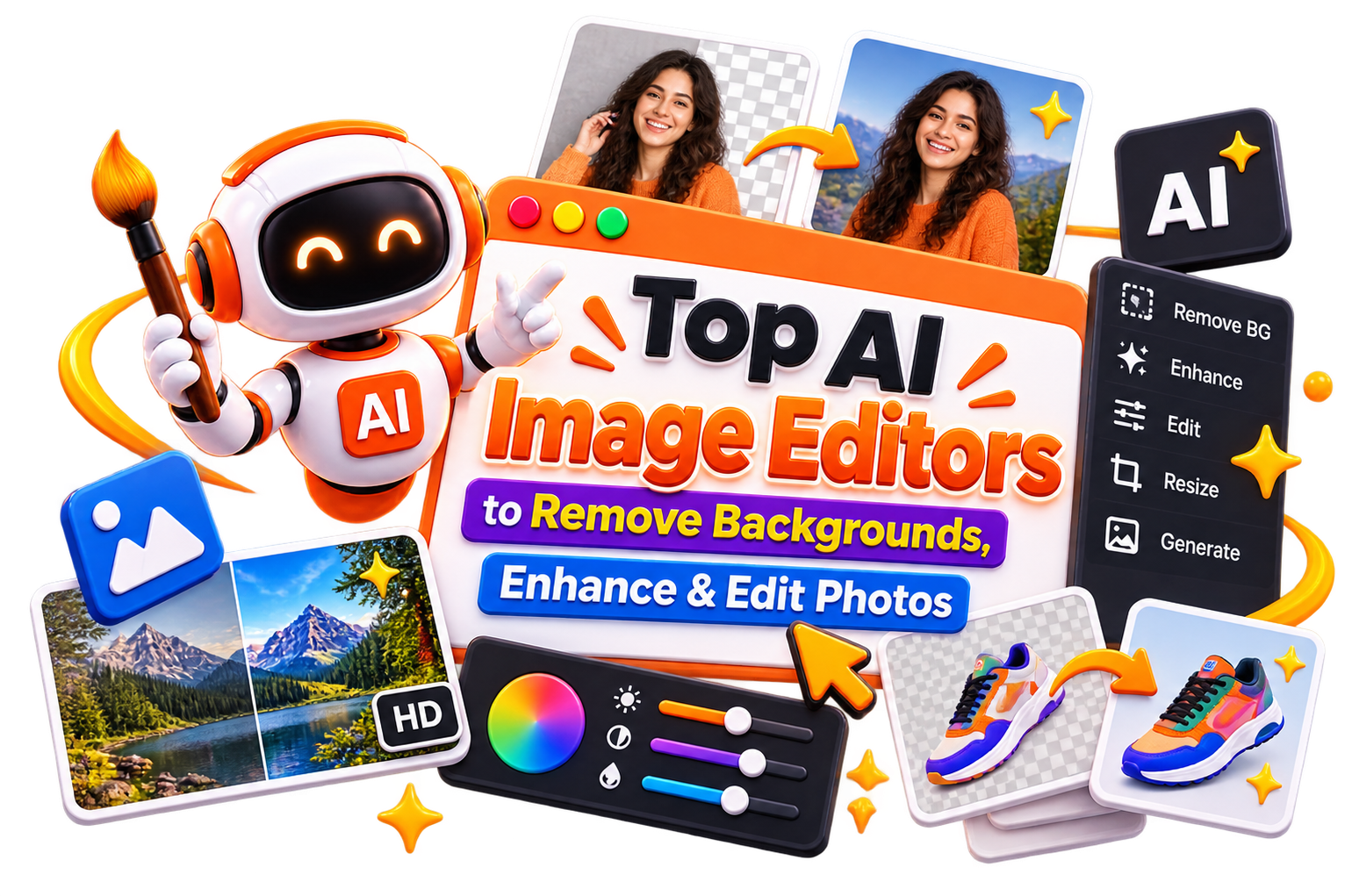





Top AI Image Editors to Remove Backgrounds, Enhance & Edit Photos

Whether you want to remove a distracting background, improve photo quality, retouch portraits, restore old pictures, or create professional-looking visuals in minutes, AI image editing tools can help. Explore and compare AI photo editors, background removers, photo enhancement tools, and advanced image editing solutions to find the right tool for your creative needs.

  • Options Free & Premium
  • Verified Evaluated by Experts
  • 100+ AI Tools
Top AI Image Editors to Remove Backgrounds, Enhance & Edit Photos

Search Image editing

# Name Category Pricing Platforms Supported Rating Tool Tutorials
76 Image editing Not publicly disclosed Web
star star star star
77 Image editing Freemium Web
star star star star
78 Image editing Freemium Web
star star star star
79 Image editing Free Web
star star star star
80 Image editing Free + Paid Web
star star star star
81 Image editing Web
star star star star
82 Image editing Freemium Web
star star star star
83 Image editing Freemium Web
star star star star
84 Image editing Freemium Web
star star star star
85 Image editing Not publicly disclosed Web
star star star star
86 Image editing Web
star star star star
87 Image editing Free Web
star star star star
88 Image editing Freemium Web
star star star star
89 Image editing Freemium Web
star star star star
90 Image editing Web
star star star star
91 Image editing Free Web
star star star star
92 Image editing Freemium Web
star star star star
93 Image editing Not publicly disclosed Web
star star star star
94 Image editing Freemium Web
star star star star
95 Image editing Not publicly disclosed Web
star star star star
96 Image editing Not publicly disclosed Web
star star star star
97 Image editing Freemium Web
star star star star
98 Image editing Free + Paid Web
star star star star
99 Image editing Not publicly disclosed Web
star star star star
100 Image editing Freemium Web
star star star star

Explore AI Image Editing Prompts

Discover simple prompts for background removal, photo enhancement, retouching, object removal, and creative edits.

Popular Use Cases of AI Image Generators

Remove Backgrounds Instantly

Remove the background of an image in just a few clicks and create clean, professional visuals for social media, marketing, and eCommerce.

Enhance Photo Quality

Use AI-powered photo enhancement tools to sharpen blurry images, improve lighting, increase resolution, and restore picture quality.

Edit Product Photos

Create polished product images without expensive editing software or professional design experience.

Change Backgrounds

Use a photo editor to change background settings, replace unwanted scenes, or create studio-style visuals.

Restore Old Pictures

Repair damaged photographs, improve colors, and bring old memories back to life with AI-assisted editing.

Create Social Media Content

Edit images faster and create eye-catching visuals for Instagram, Facebook, YouTube, LinkedIn, and other platforms.

Who Should Use Image eWho Should Use AI Image Editing Tools?diting?

Content Creators

Edit pictures, improve image quality, and create engaging visuals for blogs, videos, and social media content.

Photographers

Speed up photo editing workflows while maintaining professional-quality results.

eCommerce Businesses

Remove backgrounds, enhance product photos, and create marketplace-ready images faster.

Marketing Teams

Create polished campaign creatives, advertisements, and branded content with less manual effort.

Small Business Owners

Improve marketing visuals without hiring a professional editor for every project.

Beginners

Use simple AI photo editors that help you achieve impressive results even without design experience.

What Are AI Image Editing Tools? 

AI image editors are tools that use artificial intelligence to edit, enhance, retouch, and transform images. But unlike traditional photo editing software that requires manual adjustments, AI photo editors automate complex tasks like background removal, object erasing, photo enhancement, and creative editing. And that too often with just a few clicks or a simple text prompt.

Modern AI image editors differ significantly in their capabilities. Some excel at background removal and object erasing, while others specialize in photo enhancement, portrait retouching, or creative transformation. Features like image-to-image editing, style transfer, batch processing, and commercial licensing can also vary from one tool to another.

The key difference between AI image generators and AI image editors: Generators create images from scratch using text prompts, while editors modify existing photos, such as removing backgrounds, enhancing quality, retouching portraits, or replacing elements. 


How Do AI Image Editors Work?

AI image editing tools analyze the content of a picture and identify elements such as people, objects, backgrounds, colors, lighting, and textures. Using machine learning models trained on millions of images, these tools can understand what needs to be modified and make intelligent editing decisions.

For example, if you want to remove the background of an image, the AI can automatically detect the subject and separate it from the background. If you want to improve image quality, the AI can sharpen details, reduce noise, enhance colors, and increase resolution.

Many modern AI photo editors also support natural language instructions and photo editing prompts. Instead of manually adjusting settings, you can simply describe what you want, and the AI will edit the image accordingly.

Benefits of AI Image Editing Tools

AI-powered photo editing helps you create better visuals faster while reducing the complexity of traditional editing workflows. You can have several benefits like-

  • Edit images with AI in minutes instead of hours

  • Remove backgrounds automatically with minimal effort

  • Improve image quality and resolution instantly

  • Enhance portraits and product photos professionally

  • Create consistent visuals across projects

  • Reduce the need for advanced editing skills

  • Speed up content creation and design workflows

  • Save time on repetitive photo editing tasks

Best Free AI Image Editing Tools

So, if you're looking for a free AI image editor, these tools can help you perform common editing tasks without a paid subscription. 

  • Canva (Magic Studio / Magic Edit)

  • Picsart

  • Pixlr

  • Photopea

  • Photoroom

Best Paid AI Image Editing Tools

Then, if you have money, you can go with the following paid AI photo editors. These editors often provide better image quality, advanced editing capabilities, faster processing, and commercial usage options.  

  • Adobe Firefly 3

  • Remini

  • Photo AI (Topaz Labs)

  • Lensa AI

  • BeFunky

How to Choose the Right AI Image Editor?

The best AI image editor depends on the type of editing you need. Some tools are excellent for photo enhancement, while others focus on background removal, portrait editing, product photography, or creative image manipulation. But before selecting a tool, consider the following factors:

  • Editing Features- Look for features such as background removal, object removal, image enhancement, portrait retouching, and generative editing.

  • Ease of Use- Choose a platform that makes photo editing simple, especially if you're a beginner.

  • Image Quality- Compare editing results to ensure the tool produces natural and professional-looking images.

  • AI Editing Capabilities- Evaluate how effectively the AI understands photo editing prompts and editing instructions.

  • Pricing- Compare free plans, premium features, and subscription costs before making a decision.

  • Export Options- Consider file formats, image quality settings, and sharing capabilities.

Common Mistakes to Avoid When Choosing an AI Photo Editor

Avoid these common mistakes when selecting an AI tool for photo editing:

  • Choosing a tool based only on popularity

  • Ignoring image quality limitations

  • Overlooking export restrictions on free plans

  • Paying for features you don't need

  • Not testing editing accuracy before subscribing

  • Assuming every AI image editor offers the same capabilities

  • Ignoring commercial licensing requirements

Photo Editing Prompts – How to Get Better Results

The quality of AI photo editing depends heavily on how you describe what you want. Here are some photo editing prompts to get professional results:

Portrait Lighting Upgrade

Edit this portrait. Keep the person recognizable, improve the lighting naturally, refine skin gently, add warm city bokeh, and create a polished social profile result.

Product Cleanup

Edit this product image. Remove the clutter, replace the background with a clean studio surface, improve shadow quality, sharpen the product, and create an e-commerce-ready result.

Background Removal & Replacement

"Remove the background and replace it with a clean white studio backdrop. Keep the subject perfectly intact with natural edges."

Photo Enhancement

Enhance this photo—improve lighting, sharpen details, and make colors more vibrant while keeping it realistic. 

Fashion Retouch

Edit this fashion photo. Refine the lighting, enhance the outfit texture, clean the background, and keep the final look stylish and realistic. 

Future of AI Image Editing

So, AI image editing is evolving rapidly. Newer models are producing more realistic results, better preserving original content, and offering greater creative control. That means Future AI photo editors are expected to offer:

  • Natural-language editing that understands complex instructions 

  • Identity-preserving editing that keeps subjects recognizable while transforming photos 

  • Real-time collaboration between human creativity and AI automation

  • Seamless integration with video and design tools

  • Local processing for better quality and privacy 

  • Advanced retouching that rivals professional human editors 

As the technology matures, AI image editors will become an essential part of creative workflows across industries, and originality, distinctive visual styles, and genuine storytelling will matter even more.

Trending AI Blogs

Trending AI Blogs

AI Tools • 17 minutes read

Best AI Voice Cloning Tools in 2026: 10 Tools Worth Trying

I’ve tested enough AI tools to know that a great demo doesn’t always translate into a great workflow. Voice cloning is a perfect example. Some AI voic...

AI Tools • 15 minutes read

10 Best AI Tools for Email Marketing: Tested & Compared

I used to think email marketing was mostly about writing good emails. Then I actually started doing it regularly. The writing was rarely the part that...

AI Tools • 14 minutes read

How to Run ChatGPT Ads in 2026? A Practical Guide to OpenAI Advertising

Most people know ChatGPT as the place they go when they need an answer, an idea, or a quick explanation. However, many still don’t know that ChatGPT A...

AI Tools • 17 minutes read

Best AI Tools for Freelancers in 2026: 15 Tools I’d Actually Use

I’ve spent enough time freelancing to know that the actual client work is rarely the only thing that keeps you busy. Finding clients, writing proposal...

FAQ (Frequently Asked Questions)

Ans. Beginners should look for tools with intuitive interfaces and generous free plans. Fotor offers quick one-click edits. Luminar provides professional tools with a clean interface and a 7-day free trial. ChatGPT lets you edit images with simple text prompts.

Ans. Pixelcut offers instant background removal with perfect cutouts. BackgroundRemover (open-source) uses u2net models for accurate subject segmentation. Many tools like AI Ease also provide background removal features.

Ans. Krita with the AI Diffusion plugin is completely free and open-source. Google Gemini and ChatGPT offer free AI image editing with usage limits. Fotor and Freepik AI provide free versions with basic features.

Ans. For professional quality, Luminar offers advanced AI tools like SkinAI, BodyAI, and RAW editing. Krita with local processing delivers lossless quality because it doesn't compress images. Nano Banana 2 exports up to 4K Ultra HD.

Ans. Many AI photo editors include magic eraser or object removal tools. Pixelcut offers a magic eraser to remove unwanted objects. MeeAww has a magic eraser that removes people, text, or distractions with one tap.

Ans. Nano Banana 2 allows batch editing of up to 14 photos simultaneously. This is perfect for photographers, influencers, and content creators who need consistent edits across multiple images.

Ans. Cloud-based tools (like Adobe Firefly) send your images to remote servers for processing. They are convenient but may compress images. Local tools (like Krita) run on your own GPU, preserving full quality and privacy. Local processing gives you better image quality because pixels go directly from your canvas to your GPU without compression.

