



Best Logo Creation AI Tools

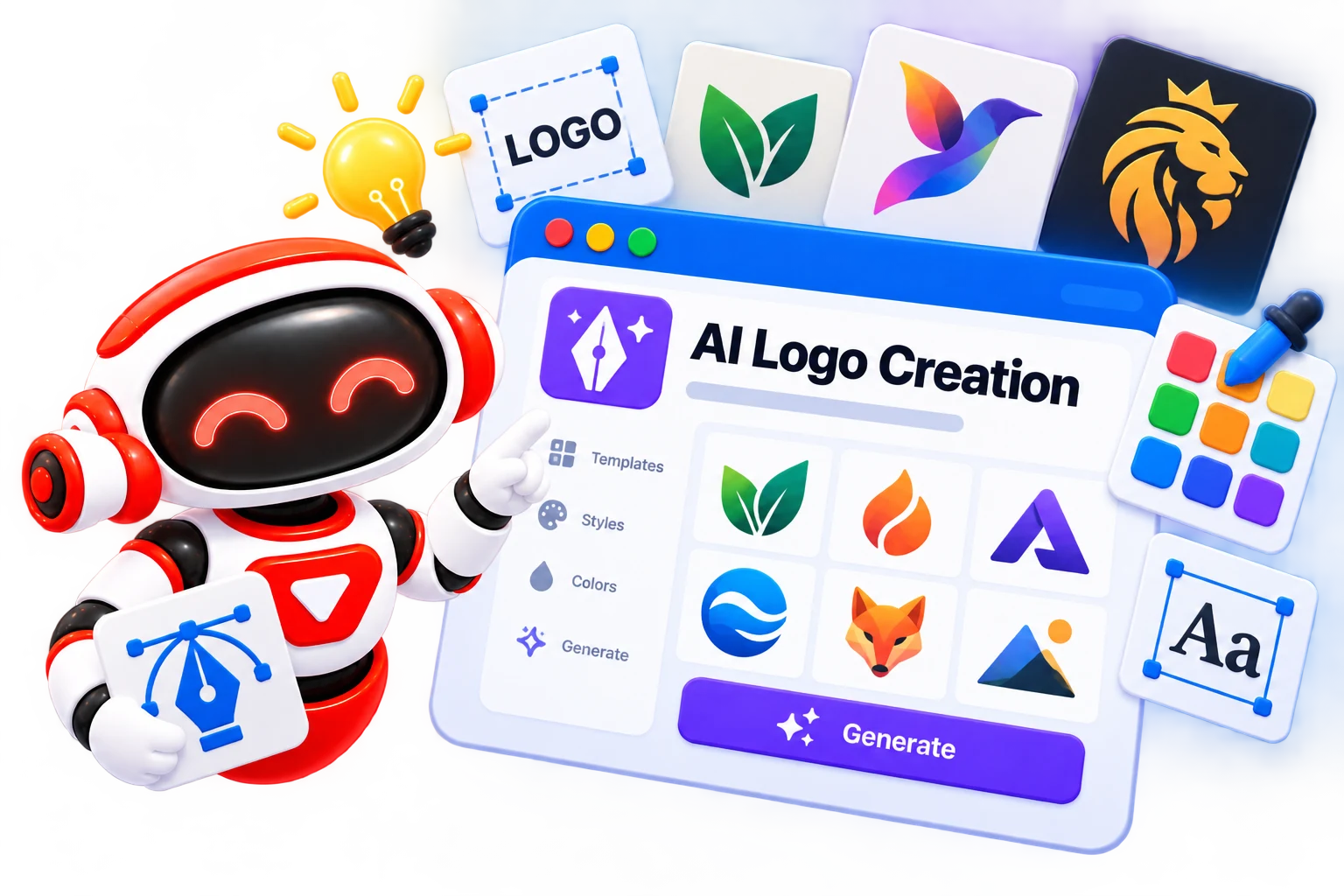
Logo creation AI tools can turn a brand name, business idea, or simple design direction into logo concepts that you can refine for your needs. This category brings together AI logo design generators for different workflows. Explore tools in Skillwaala’s directory to find an option that fits your design experience.

  • Options Free & Premium
  • Verified Evaluated by Experts
  • 20+ AI Tools
Best Logo Creation AI Tools

Search Logo creation

# Name Category Pricing Platforms Supported Rating Tool Tutorials
1 Logo creation Free Web
star star star star
2 Logo creation Web
star star star star
3 Logo creation Not publicly disclosed Web
star star star star
4 Logo creation Web
star star star star
5 Logo creation Web
star star star star
6 Logo creation Free + Paid Web
star star star star
7 Logo creation Free + Paid Web
star star star star
8 Logo creation Free + Paid Web
star star star star
9 Logo creation Free Web
star star star star
10 Logo creation Web
star star star star
11 Logo creation Free + Paid Web
star star star star
12 Logo creation Not publicly disclosed Web
star star star star
13 Logo creation Not publicly disclosed Web
star star star star
14 Logo creation Not publicly disclosed Web
star star star star
15 Logo creation Web
star star star star
16 Logo creation Web
star star star star
17 Logo creation Web
star star star star
18 Logo creation Free Web
star star star star
19 Logo creation Not publicly disclosed Web
star star star star
20 Logo creation Web
star star star star
21 Logo creation Free + Paid Web
star star star star
22 Logo creation Not publicly disclosed Web
star star star star

Explore Logo Design Prompts

Get ready-to-use AI prompts for creating, refining, and experimenting with logo concepts.

Popular Use Cases for Logo Creation AI Tools

Starting a New Brand

Generate initial logo concepts when you are launching a business and need visual directions to explore.

Exploring Design Ideas

Use AI to test different logo concepts before committing to a specific visual identity. This is useful when you have a brand idea but are unsure how it should look.

Creating Digital Branding

Create logo concepts for websites, social media profiles, and other online projects where you need a brand mark.

Refreshing an Existing Logo

AI can help generate alternative logo ideas when you want to change your existing brand logo.

Supporting Professional Design Work

AI logo tools help explore new concepts, then refine the strongest option suing professional design software.

Who Should Use Logo Creation AI Tools?

Small Business Owners

Create a starting point for your brand identity without hiring a designer for every early concept.

Freelancers and Creators

Develop logos for personal brands, YouTube channels, newsletters, or independent projects.

Startups

Test different branding directions quickly while the business is still refining its identity and positioning.

Marketing Teams

Generate visual concepts for campaigns, new products, or sub-brands before moving into a more formal design process.

Graphic Designers

Use AI logo design software for brainstorming and then refine the strongest ideas with professional design tools.

What Are Logo Creation AI Tools?

Logo creation AI tools are software applications that use artificial intelligence to generate logo concepts based on information such as a brand name, industry, preferred style, or design direction. 


Instead of manually constructing every element, you provide the tool with your requirements, and it generates visual concepts you can review and refine. Some platforms focus on quick automated logo creation, while others provide more control over the final design. 

How Do Logo Creation AI Tools Work?

Logo creation AI tools typically start with a few details about your brand, such as its name, industry, preferred visual style, or color preferences. The AI uses this information to generate logo concepts, often giving you several variations to compare. 


You can then refine the strongest concept by changing its typography, colors, icon, or layout, depending on the tool’s editing options. Once the design is ready, you can export it in the available formats. The exact workflow varies by platform, but the basic process is the same. 

Benefits of Logo Creation AI Tools

AI logo design tools can shorten the gap between having a brand idea and seeing an actual visual concept. Their biggest advantage is speed, but they can also be useful when you need multiple directions to compare before settling on a design. 


  • Faster concept development: Generate initial ideas without building each concept manually. 

  • Lower design costs: Useful for small businesses and individuals working with limited branding budgets. 

  • More ideas to explore: Generate different visual directions when the first concept does not feel right. 

  • Beginner-friendly workflows: Many tools handle technical design tasks that can otherwise require experience with professional software. 

  • Easy experimentation: Try different branding styles without rebuilding the entire logo from scratch. 

Best Free Logo Creation AI Tools

If you want to experiment with AI logo creation without paying upfront, these five tools are worth considering. 


  • Logo Maker Namecheap

  • Logo Diffusion

  • Wix Logo Maker

  • Sologo

  • Recraft

Best Paid Logo Creation AI Tools

Paid logo creation tools are a better fit when you need higher-resolution files, vector formats, broader branding assets, or more control over the final design. 


  • Looka

  • Logopony

  • Designs AI

  • Turbologo

  • AI Logo by Fiverr

How to Choose the Right Logo Creation AI Tool?

Choosing a logo creation AI tool is less about finding the tool with the most features and more about finding one that matches your actual design needs. Before creating a logo, consider: 


  • Customization: Check how much control you have over fonts, colors, icons, spacing, and layouts. 

  • File formats: Look for SVG, PNG, or other formats you may need for websites, print, and social media. 

  • Commercial rights: Confirm that your chosen plan allows commercial use of the final logo. 

  • Branding features: If you need more than a logo, consider tools that also provide brand kits or related visual assets. 

  • Pricing: Check what is included for free and what requires payment, particularly when downloading high-resolution files. 

  • Ease of editing: A good AI logo design tool should let you refine the generated concept instead of locking you into the final result. 

Common Mistakes to Avoid When Using Logo Creation AI Tools

AI can produce a logo quickly, but the first result is rarely enough to represent a brand properly. Keep these mistakes in mind before finalizing a design: 


  • Choosing the first design: Generate and compare several concepts before settling on one. 

  • Ignoring readability: A logo that looks good on a large screen may become unclear when used as a small profile image or favicon. 

  • Overcomplicating the design: Too many visual elements can make a logo difficult to recognize and reproduce. 

  • Skipping usage rights: Check the tool’s licensing terms before using an AI-generated logo for commercial purposes. 

  • Downloading the wrong format: Make sure the final files suit both digital and print requirements. 

  • Relying entirely on AI: Treat the generated design as a starting point and make manual adjustments where needed. 

Future of Logo Creation AI

AI logo design is moving beyond simple logo generators that produce a few preset concepts. Newer tools are giving users more control over the creative process, making it possible to refine generated designs through natural-language instructions and build variations around an existing visual identity. 


The bigger shift will be toward AI software for logo design that understands brand context, rather than treating the logo as an isolated graphic. Future tools are likely to connect logo creation with broader branding workflows, helping users maintain consistency across different digital assets while giving designers greater control over the final output. 

Trending AI Blogs

Trending AI Blogs

AI Tools • 17 minutes read

Best AI Voice Cloning Tools in 2026: 10 Tools Worth Trying

I’ve tested enough AI tools to know that a great demo doesn’t always translate into a great workflow. Voice cloning is a perfect example. Some AI voic...

AI Tools • 15 minutes read

10 Best AI Tools for Email Marketing: Tested & Compared

I used to think email marketing was mostly about writing good emails. Then I actually started doing it regularly. The writing was rarely the part that...

AI Tools • 14 minutes read

How to Run ChatGPT Ads in 2026? A Practical Guide to OpenAI Advertising

Most people know ChatGPT as the place they go when they need an answer, an idea, or a quick explanation. However, many still don’t know that ChatGPT A...

AI Tools • 17 minutes read

Best AI Tools for Freelancers in 2026: 15 Tools I’d Actually Use

I’ve spent enough time freelancing to know that the actual client work is rarely the only thing that keeps you busy. Finding clients, writing proposal...

FAQ (Frequently Asked Questions)

Ans. Logo creation AI tools use artificial intelligence to generate logo concepts from information such as a brand name, industry, style, and visual preferences. Most also provide some level of customization before you download the final design.

Ans. Yes. Some AI logo generators offer free creation or free plans, although features such as high-resolution downloads, commercial rights, or additional branding assets may require payment.

Ans. AI can produce strong starting concepts, but the quality depends on the tool and the inputs you provide. Reviewing and refining the generated design is recommended before using it as a final brand identity.

Ans. It depends on the tool’s licensing terms and the plan you use. Always check the commercial usage rights before using an AI-generated logo for a business.

Ans. Yes. Many AI logo tools simplify the design process and require little prior design experience. They can be particularly useful when you need a quick concept without working through professional design software.