


Best AI Text-to-Speech Tools

Today’s text to speech AI tools can turn articles, scripts, emails, books, and other written content into realistic speech in just a few clicks. Browse AI text to speech platforms, compare voice quality, language support, pricing, and find the right tool for your personal or professional projects.

  • Options Free & Premium
  • Verified Evaluated by Experts
  • 60+ AI Tools
Best AI Text-to-Speech Tools

Search Text To Speech

# Name Category Pricing Platforms Supported Rating Tool Tutorials
26 Text To Speech Not publicly disclosed Web
star star star star
27 Text To Speech Free + Paid Web
star star star star
28 Text To Speech Free + Paid Web
star star star star
29 Text To Speech Free + Paid Web
star star star star
30 Text To Speech Not publicly disclosed Web
star star star star
31 Text To Speech Not publicly disclosed Web
star star star star
32 Text To Speech Free + Paid Web
star star star star
33 Text To Speech Free + Paid Web
star star star star
34 Text To Speech Free + Paid Web
star star star star
35 Text To Speech Not publicly disclosed Web
star star star star
36 Text To Speech Free + Paid Web
star star star star
37 Text To Speech Free + Paid Web
star star star star
38 Text To Speech Free + Paid Web
star star star star
39 Text To Speech Not publicly disclosed Web
star star star star
40 Text To Speech Not publicly disclosed Web
star star star star
41 Text To Speech Not publicly disclosed Web
star star star star
42 Text To Speech Not publicly disclosed Web
star star star star
43 Text To Speech Free + Paid Web
star star star star
44 Text To Speech Not publicly disclosed Web
star star star star
45 Text To Speech Not publicly disclosed Web
star star star star
46 Audio Editing Enterprise pricing Web
star star star star
47 Text To Speech Not publicly disclosed Web
star star star star
48 Text To Speech Web
star star star star
49 Text To Speech Free + Paid Web
star star star star
50 Text To Speech Free + Paid Web
star star star star

Explore Text-to-Speech Prompts

Get ready-to-use templates for video voiceovers, audiobooks, and customer support.

Popular Use Cases of AI Text-to-Speech Tools

Video Voiceovers

Convert scripts into natural-sounding narration for YouTube videos, explainers, and presentations.

Audiobooks

Turn books, articles, and documents into engaging audio for easier listening.

Podcast Production

Generate introductions, narrations, and dialogue without recording every line manually.

E-Learning & Training

Create voicovers for online courses, tutorials, and employee training materials.

Accessibility

Help users consume written content through clear, AI-generated speech.

Customer Support

Power IVR systems, virtual assistants, and automated voice responses with realistic AI voices.

Who Should Use AI Text-to-Speech Tools?

Content Creators

Turn scripts, blogs, and presentations into high-quality voiceovers with minimal effort.

YouTubers

Produce consistent narration for videos without recording every script manually.

Educators

Convert lessons, study materials, and presentations into engaging audio content.

Businesses

Create customer support messages, training materials, and branded audio at scale.

Developers

Integrate AI-powered speech into websites, apps, and voice-enabled products.

Publishers

Transform articles, eBooks, and other written content into accessible audio experiences.

What Are AI Text-to-Speech Tools?

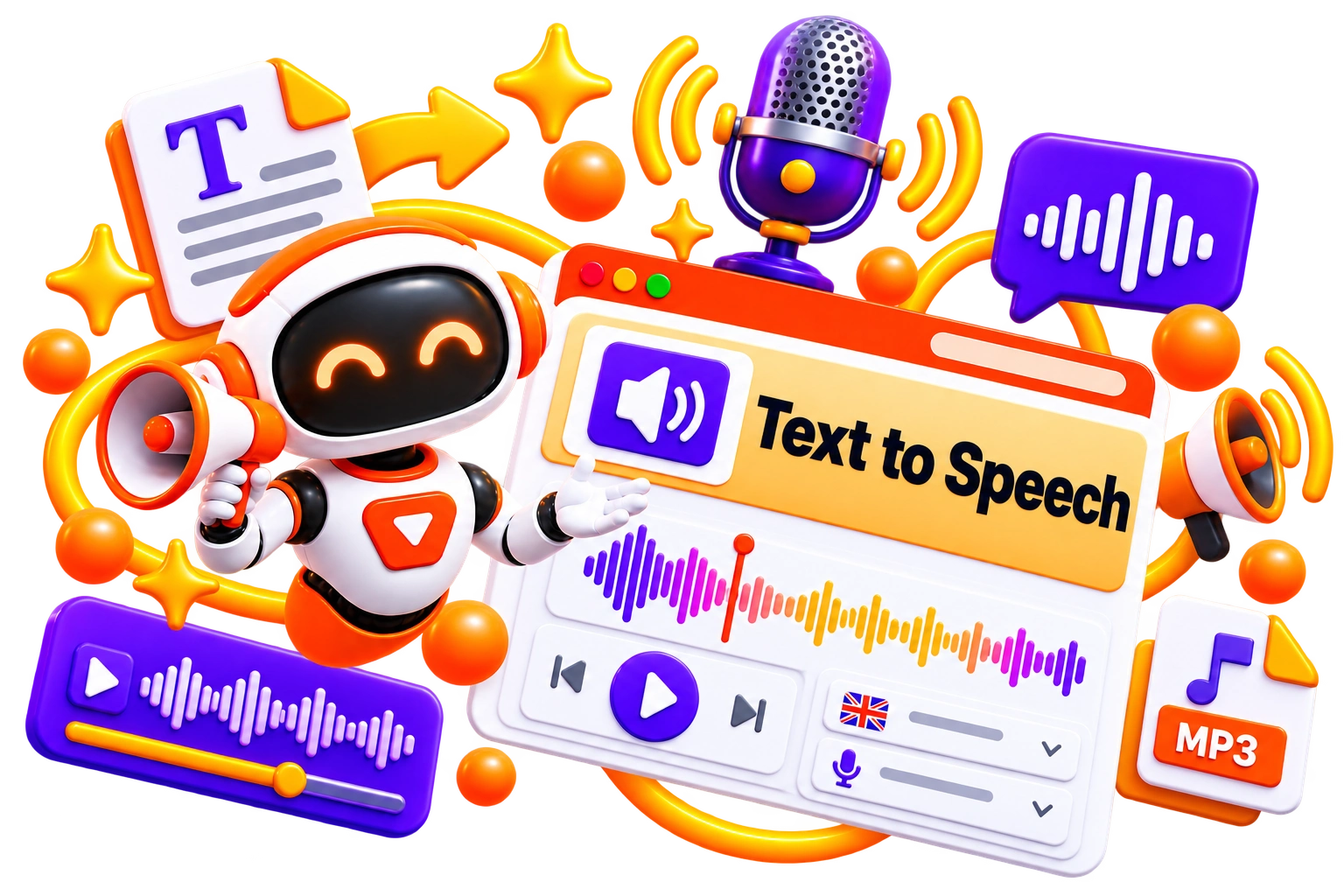
Text-to-speech AI tools convert written text into realistic, natural-sounding speech. Instead of recording voiceovers manually, you can generate audio from articles, scripts, emails, documents, or any other text within seconds. Modern AI text-to-speech platforms offer a wide range of voices, languages, and speaking styles, making them useful for both personal and professional outputs. 


The quality of speech can vary significantly between platforms. Some focus on lifelike narration, while others prioritize multilingual support, accessibility, or developer integrations. Comparing text-to-speech AI tools helps you understand which platforms deliver the voice quality, customization, and features you need. 

How Do AI Text-to-Speech Tools Work?

An AI text-to-speech tool starts with written text. Paste a script, article, email, or document, choose a voice, and the AI converts it into spoken audio using advanced speech synthesis models. The generated audio can then be downloaded or used directly in videos, presentations, podcasts, and applications. 


Most text-to-speech tools let you customize pronunciation, speaking speed, pitch, pauses, and emotional tone to create more natural-sounding results. If you’re using a text-to-speech AI free plan or a free online text to speech generator, you’ll typically encounter limits on character count, voice selection, or audio downloads. Paid plans usually offer higher-quality voices, commercial licensing, and additional customization options. 

Benefits of AI Text-to-Speech Tools

Recording voiceovers can be time-consuming, especially when scripts change frequently. AI text to speech tools simplify that process by converting written content into natural speech within minutes, making audio creation faster, more consistent, and easier to scale.


  • Convert text into realistic voiceovers without manual recording

  • Create audio for videos, podcasts, presentations, and e-learning content

  • Save time on revisions by updating text instead of re-recording audio

  • Support multiple languages and voices for a wider audience

  • Improve accessibility by turning written content into spoken audio

  • Produce consistent narration across projects and platforms

Best Free AI Text-to-Speech Tools

Looking for free AI text to speech? These tools let you generate spoken audio without paying upfront. 


  • TTSMaker

  • TTSReader

  • Balabolka

  • Microsoft Edge Read Aloud

  • Google AI Studio

Best Paid AI Text-to-Speech Tools

Paid AI text to speech platforms deliver more natural voices, better pronunciation, higher usage limits, and commercial licensing. 


  • ElevenLabs

  • Murf AI

  • PlayHT

  • WellSaid Labs

  • LOVO AI

How to Choose the Right AI Text-to-Speech Tool?

A realistic voice is only part of the equation. The best platform should also fit the way you create audio, whether it’s for videos, podcasts, audiobooks, customer support, or accessibility. Before making a decision, compare the features that matter beyond the demo voice. 


  • Voice Quality: Listen for natural pronunciation, pacing, and emotional expression. 

  • Language Support: Choose a platform that supports the languages and accents you need. 

  • Customization: Look for controls like speed, pitch, pauses, pronunciation, and voice styles. 

  • Commercial Rights: Review licensing if you plan to use generated audio for business or client work. 

  • Export Options: Check available audio formats, quality settings, and download limits. 

  • Pricing: Compare free usage, subscription plans, and character limits before subscribing. 

Common Mistakes to Avoid When Choosing an AI Text-to-Speech Tool

A natural-sounding voice doesn’t always mean it’s the right tool for your project. Spend a few minutes testing different voices and features before committing to a subscription. 


  • Choosing a platform based only on voice quality

  • Ignoring language support and pronunciation accuracy

  • Overlooking commercial licensing and usage rights

  • Paying for premium plans without testing the free version first

  • Using default voice settings without adjusting speed or pronunciation

  • Selecting a tool that doesn’t fit your long-term content workflow

Future of AI Text-to-Speech

The gap between AI-generated speech and human narration is shrinking quickly. Newer models are delivering better pronunciation, more natural pacing, and greater emotional expression, making AI voices suitable for everything from audiobooks to customer support. 


Another noticeable shift is personalization. Many text-to-speech AI platforms now offer voice cloning, multilingual narration, and fine-grained control over speaking style. As these capabilities improve, AI text-to-speech will become less about converting text into audio and more about creating voices that match a brand, character, or individual speaker. 
Trending AI Blogs

Trending AI Blogs

AI Tools • 17 minutes read

Best AI Voice Cloning Tools in 2026: 10 Tools Worth Trying

I’ve tested enough AI tools to know that a great demo doesn’t always translate into a great workflow. Voice cloning is a perfect example. Some AI voic...

AI Tools • 15 minutes read

10 Best AI Tools for Email Marketing: Tested & Compared

I used to think email marketing was mostly about writing good emails. Then I actually started doing it regularly. The writing was rarely the part that...

AI Tools • 14 minutes read

How to Run ChatGPT Ads in 2026? A Practical Guide to OpenAI Advertising

Most people know ChatGPT as the place they go when they need an answer, an idea, or a quick explanation. However, many still don’t know that ChatGPT A...

AI Tools • 17 minutes read

Best AI Tools for Freelancers in 2026: 15 Tools I’d Actually Use

I’ve spent enough time freelancing to know that the actual client work is rarely the only thing that keeps you busy. Finding clients, writing proposal...

FAQ (Frequently Asked Questions)

Ans. The best text-to-speech AI depends on your needs. Some platforms focus on realistic narration, while others excel at multilingual speech, voice cloning, or commercial voiceovers.

Ans. Yes. You can use a free AI text to speech platform or a free online text to speech generator to create audio, although most free plans come with usage limits.

Ans. Yes. Many AI text to speech tools allow commercial use, but always check the platform’s licensing terms before publishing monetized content.

Ans. Yes. Most text to speech tools support long-form content such as articles, blogs, documents, and eBooks, though character limits vary by platform.

Ans. Text to speech AI converts written text into speech using pre-built voices. On the other hand, voice cloning recreates a specific person’s voice from audio samples.


