












What Are Assistive Technology Tools?
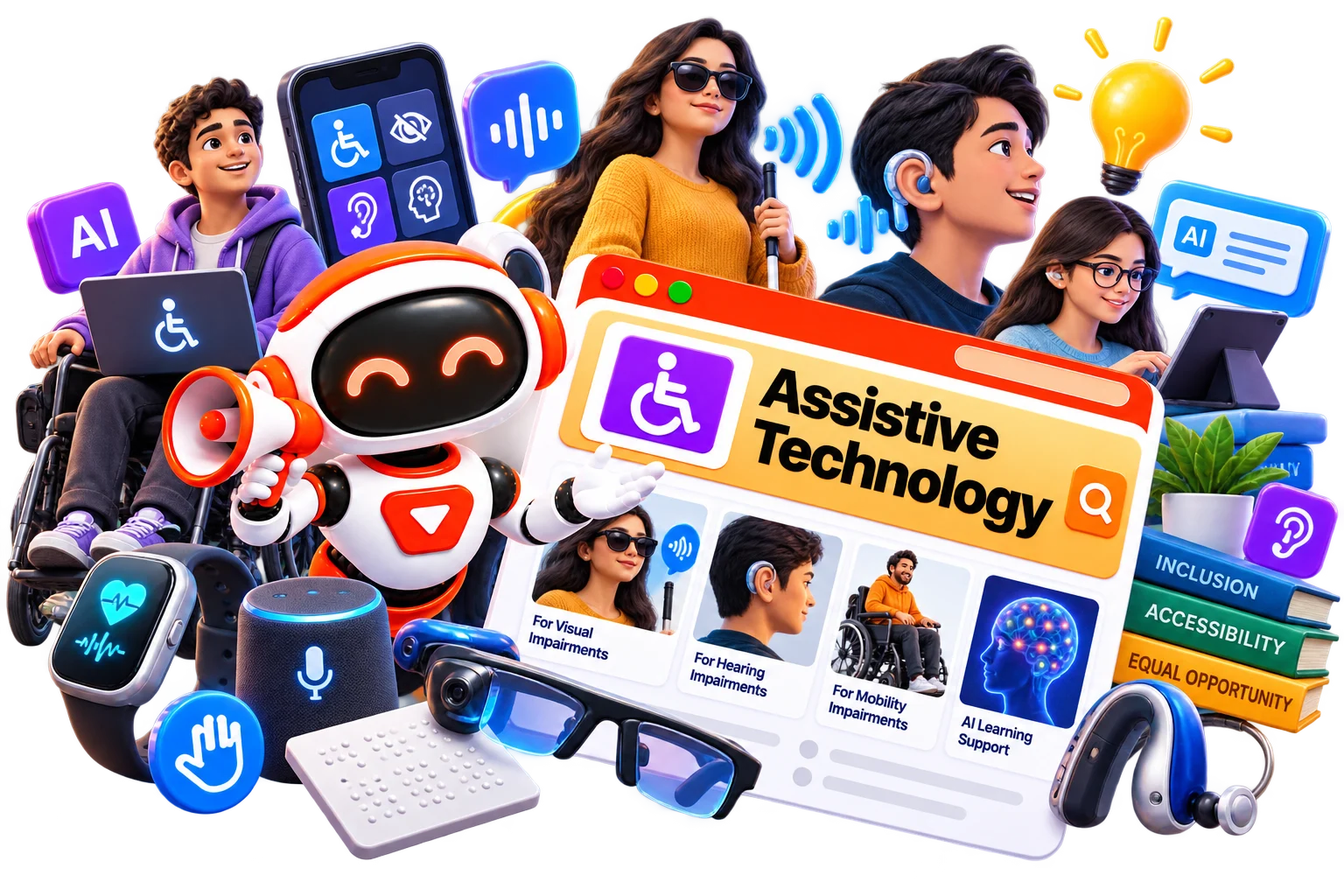
Assistive technology tools are technologies designed to help people perform tasks that may otherwise be difficult because of a disability, learning difference, physical limitation, or other accessibility need. The support can take many forms. A screen reader can convert on-screen text into speech or Braille, while speech recognition can turn spoken words into written text.
In particular, assistive technology tools for students can provide alternative ways to access educational content and complete assignments. The goal isn't to give someone an unfair advantage. It is to make information and tasks more accessible
How Do Assistive Technology Tools Work?
Different tools use different technologies depending on the type of support they provide.
Text-to-speech: Converts written text into spoken audio.
Speech-to-text: Converts spoken language into written text.
Screen reading: Reads digital content aloud or presents it through a Braille display.
Word prediction: Suggests possible words while a person types.
Reading support: Highlights, enlarges, simplifies, or reads content aloud.
Writing support: Helps identify spelling, grammar, and other writing issues.
Visual support: Uses adjustable text, contrast, magnification, or other display options.
Organization: Provides reminders, planning features, visual schedules, or task-management support.
For example, assistive technology tools for writing may allow a student to dictate an assignment instead of typing it, while reading-focused tools can provide spoken versions of digital text.
Benefits of Assistive Technology Tools
The right technology can remove unnecessary barriers and give users more ways to approach everyday tasks. And assistive technology tools do exactly that. It helps
Improve access to digital learning materials.
Support independent reading and writing.
Reduce the effort required for certain tasks.
Provide alternative ways to communicate ideas.
Make digital content easier to navigate.
Support classroom participation and learning.
Help users work at a pace that suits their needs.
Encourage greater confidence and independence.
Like, for learners who need additional academic support, assistive tools for learning disabilities can be particularly useful when they complement teaching rather than replace it.
Best Free Assistive Technology Tools
Free or built-in accessibility features can be a useful starting point before investing in dedicated software. Depending on your needs, the best possible options could be-
Best Paid Assistive Technology Tools
On the other hand, paid solutions may provide more specialized features, customization, or support for particular accessibility needs. So, for that, you can explore options like
How to Choose the Right Assistive Technology Tool?
Start with the specific barrier you want to reduce, rather than looking for a tool with the longest feature list.
Identify the Task
Decide whether the main need involves reading, writing, communication, organization, navigation, or another activity.
Match the User
A tool suitable for an adult professional may not be the right choice for a young student. Consider age, ability, environment, and level of independence.
Check Compatibility
Make sure the technology works with the device, operating system, browsers, apps, and educational platforms you already use.
Test Before Committing
Whenever possible, try a free version, demonstration, or trial. A tool can look excellent on paper but still feel uncomfortable in everyday use.
Consider Accessibility Settings
Look for controls such as speech speed, text size, highlighting, keyboard navigation, voice input, or display adjustments.
Think About Long-Term Use
The best solution should be practical enough to use consistently at school, work, or home rather than becoming another complicated system to manage.
Common Mistakes to Avoid When Choosing Assistive Technology Tools
Choosing accessibility technology is personal, so a popular tool isn't automatically the right one.
Avoid these common mistakes:
Choosing a tool without identifying the actual need.
Assuming one solution works for everyone.
Ignoring compatibility with existing devices.
Selecting features that are difficult to use independently.
Forgetting to check privacy and data-handling policies.
Buying expensive software before testing it.
Focusing only on technology instead of the user's preferences.
Treating assistive technology as a replacement for teaching or human support.
It’s because a good tool should make a task more accessible, not make the user spend more time learning the tool itself.
Future of Assistive Technology Tools
Assistive technology is becoming part of the wider digital experience, and we hope that shift is likely to continue. Future tools may offer more accurate speech recognition, smarter text assistance, better screen interaction, and support that adapts to individual needs. Students could get more personalized learning assistance, while professionals may benefit from easier ways to read, write, communicate, and organize information.
We may also see accessibility features built directly into more websites, apps, and devices. Instead of requiring a separate solution for every challenge, technology could increasingly provide accessibility support exactly where and when it is needed.